
Ticketing & registration
Sell tickets. Track who's actually coming.
Sell paid tickets, take free registrations, and run promo codes, all from one page. Every paid order becomes a printable, scannable badge for the door.
- Paid ticket types and free registration
- Promo codes buyers apply at checkout
- Scannable badges for the door and booths
How it works
Three steps, start to finish.
Create your ticket types
A name and a price is all you need. Hide a type without deleting the sales already made against it.
Buyers check out
Orders, including in-flight ones that haven't finished paying, are all visible in one place.
Print the badges
Once an order is paid, it becomes an attendee row you can print as a scannable badge.
What it connects to
Ticketing does not work alone.
Door check-in
Kiosk live- Checked in
Grace Liu
VIP table
- Checked in
The Reyes family
General admission
- Not yet
Owen Park
General admission
142 of 210 checked in
Check-in
Every paid ticket becomes part of the roster your door kiosk checks in against.
See Check-in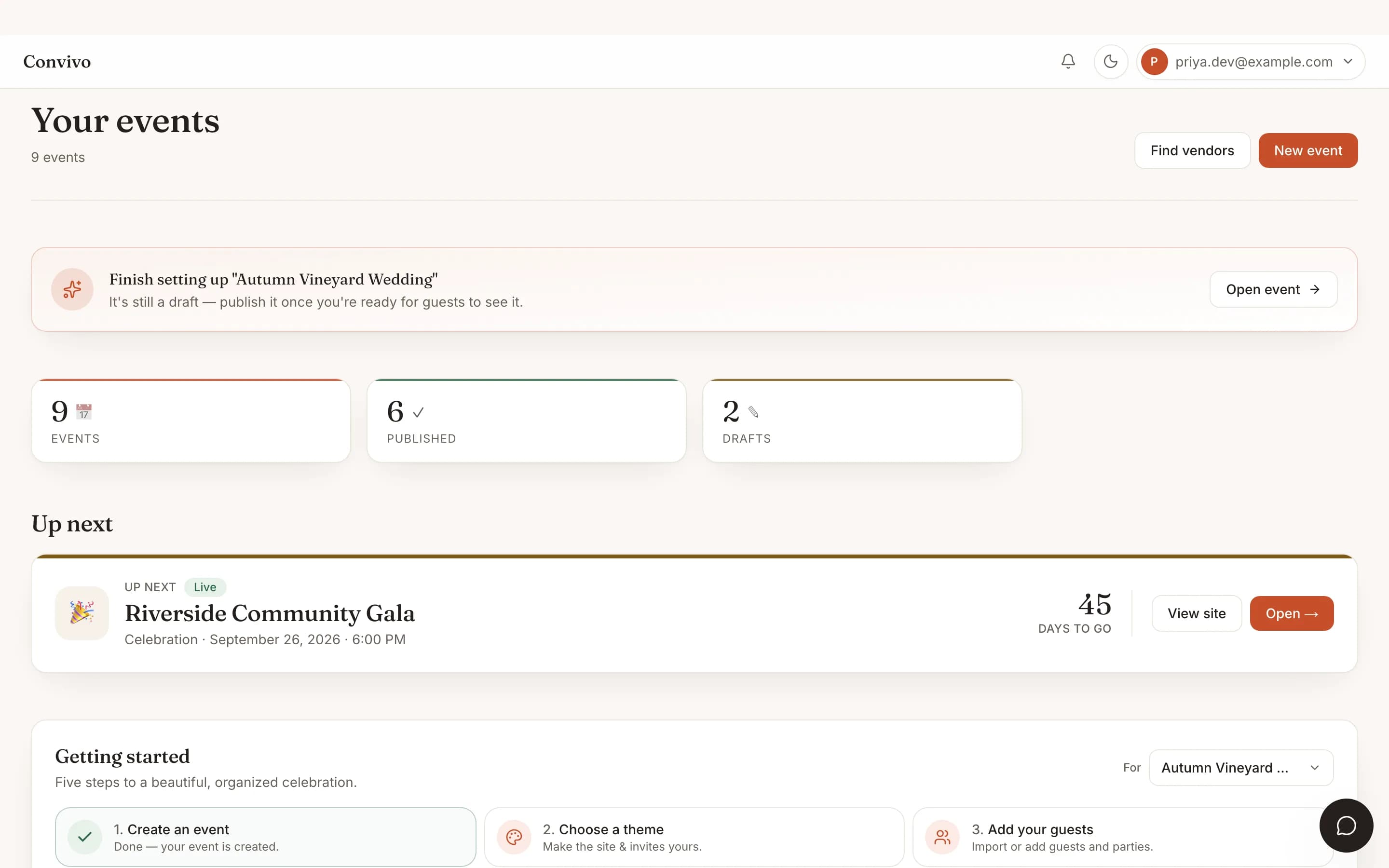
Multi-event dashboard
Run ticketing for every event in your book from the same dashboard.
See Multi-event dashboard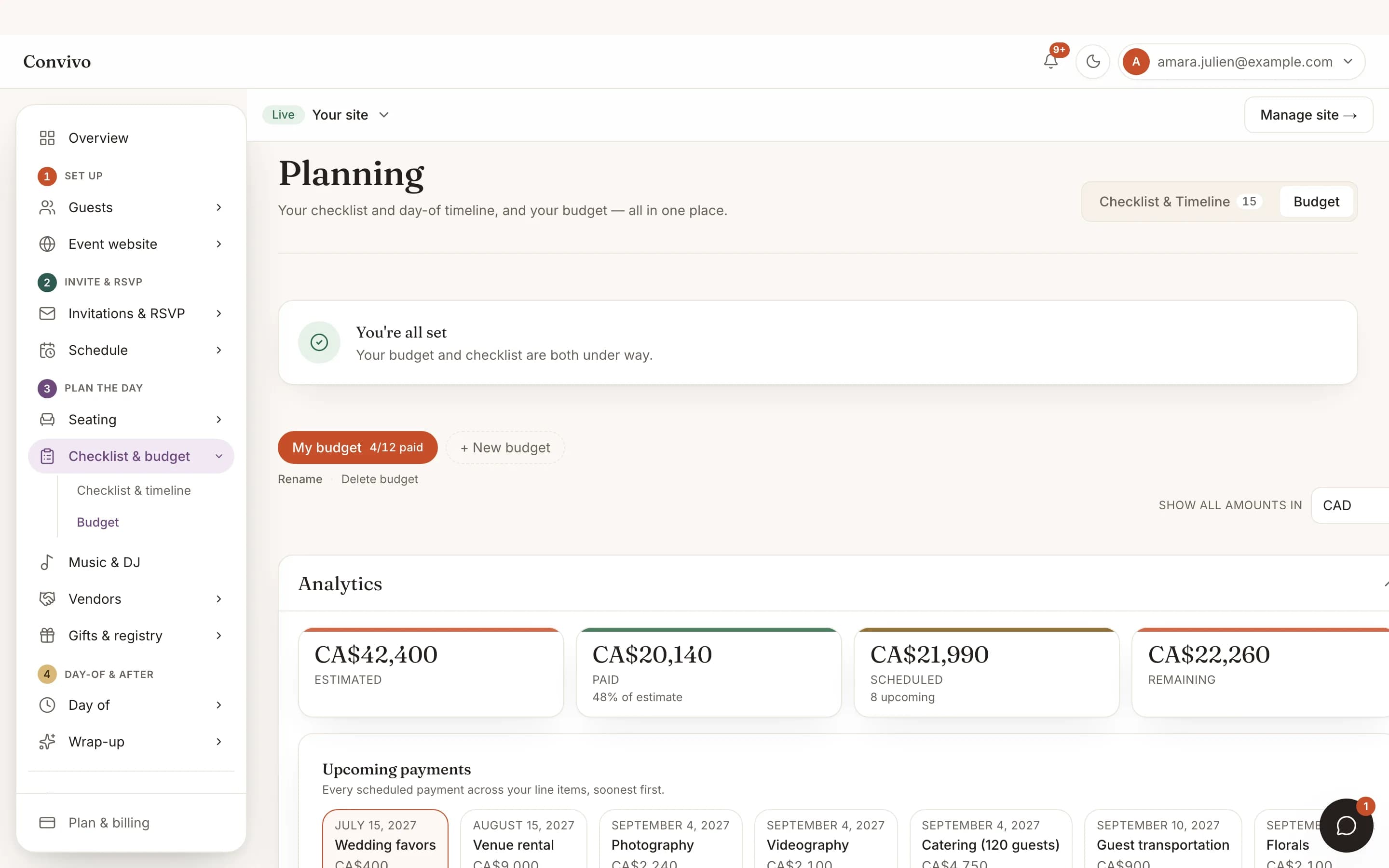
Budget tracker
Ticket revenue and event costs sit side by side once you’re tracking both.
See Budget trackerHonest answers
Frequently asked
Can I offer both paid tickets and free registration?
Yes, as separate ticket types on the same event.
Can I run a discount code?
Yes. Promo codes are percentage-off, and buyers apply them at checkout.
What happens to an order that never finishes paying?
It shows up as an in-flight, unpaid order, so nothing silently disappears.
Can I take registrations for exhibitor booths too?
Yes. Exhibitor booths get their own login-free link for a sponsor's tablet.
Ready to put this to work?
Start free, and this exact page fills in with your own event.