
Notifications
A bell that actually keeps up.
Vendor updates and answered requests land in your inbox the moment they happen, no digging through email threads to find what changed. Want email too? Flip one switch on your account and every notification follows you there.
- Vendor updates & answered requests, one inbox
- Unread counts that clear as you read
- Email notifications, optional, per account
How it works
Three steps, start to finish.
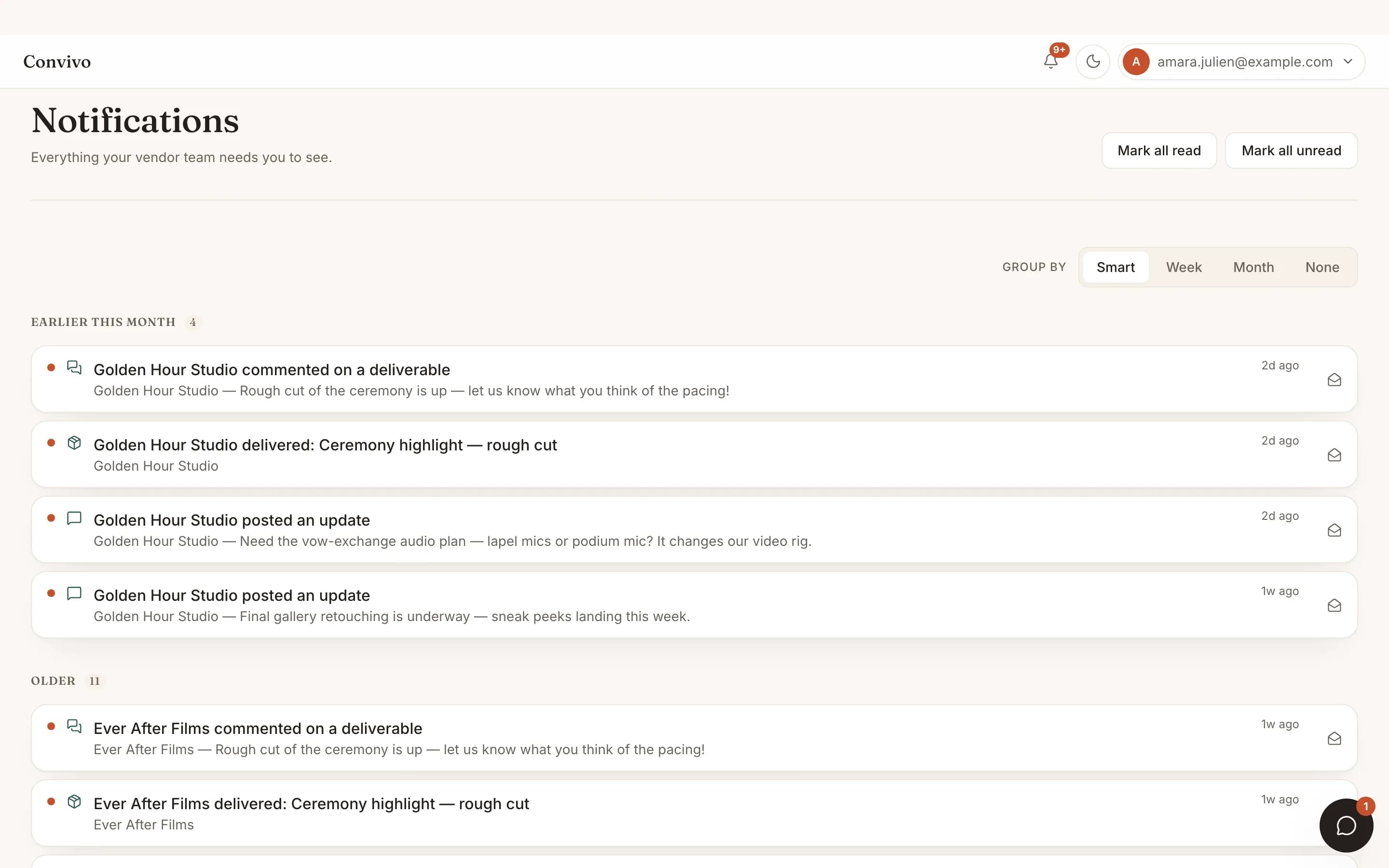
Everything lands in one inbox
Vendor updates and answered requests arrive here, not scattered across email threads.
Unread counts that actually clear
Read something and its count clears. No digging to figure out what's new.
Turn on email if you want it
Flip one switch on your account and the same notifications follow you to email.
Straight from the product
The screen itself, unretouched.
The illustration at the top of this page was built from this exact capture, down to the labels and the counts.
What it connects to
Notifications does not work alone.
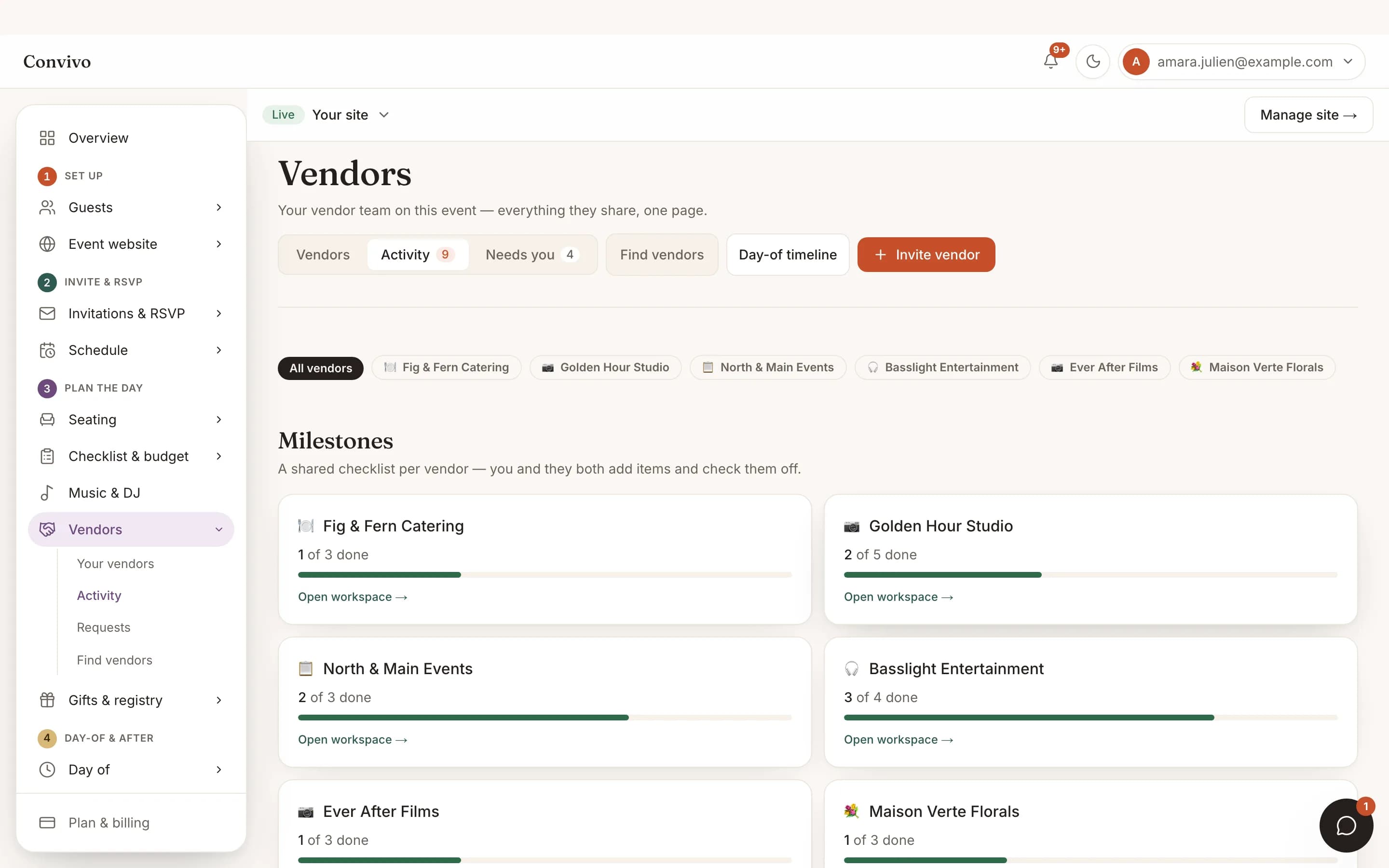
Vendor collaboration
Most notifications originate from a vendor posting an update or a request.
See Vendor collaboration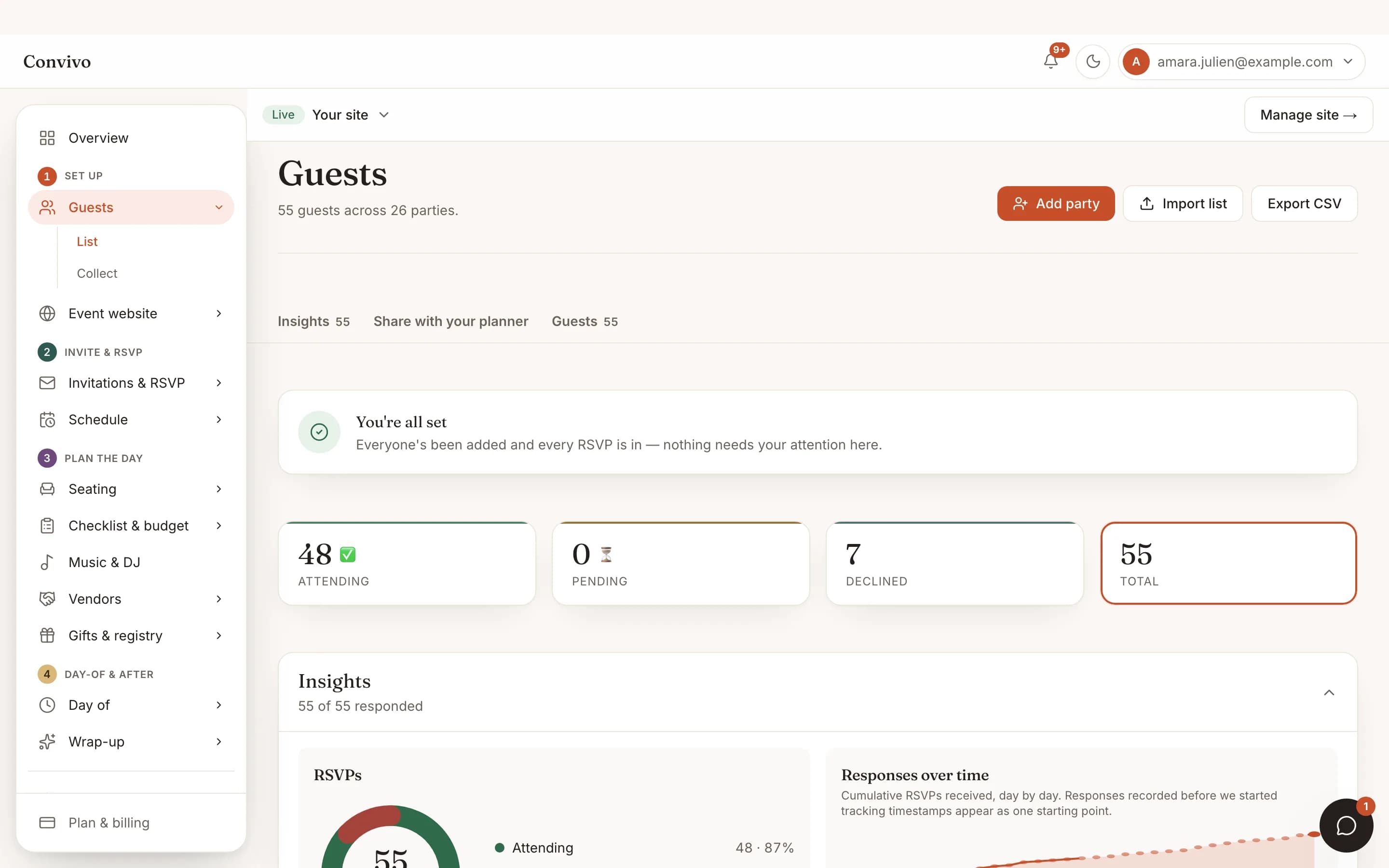
No-login RSVP
A new reply can notify you too, if you want to watch the list fill in.
See No-login RSVP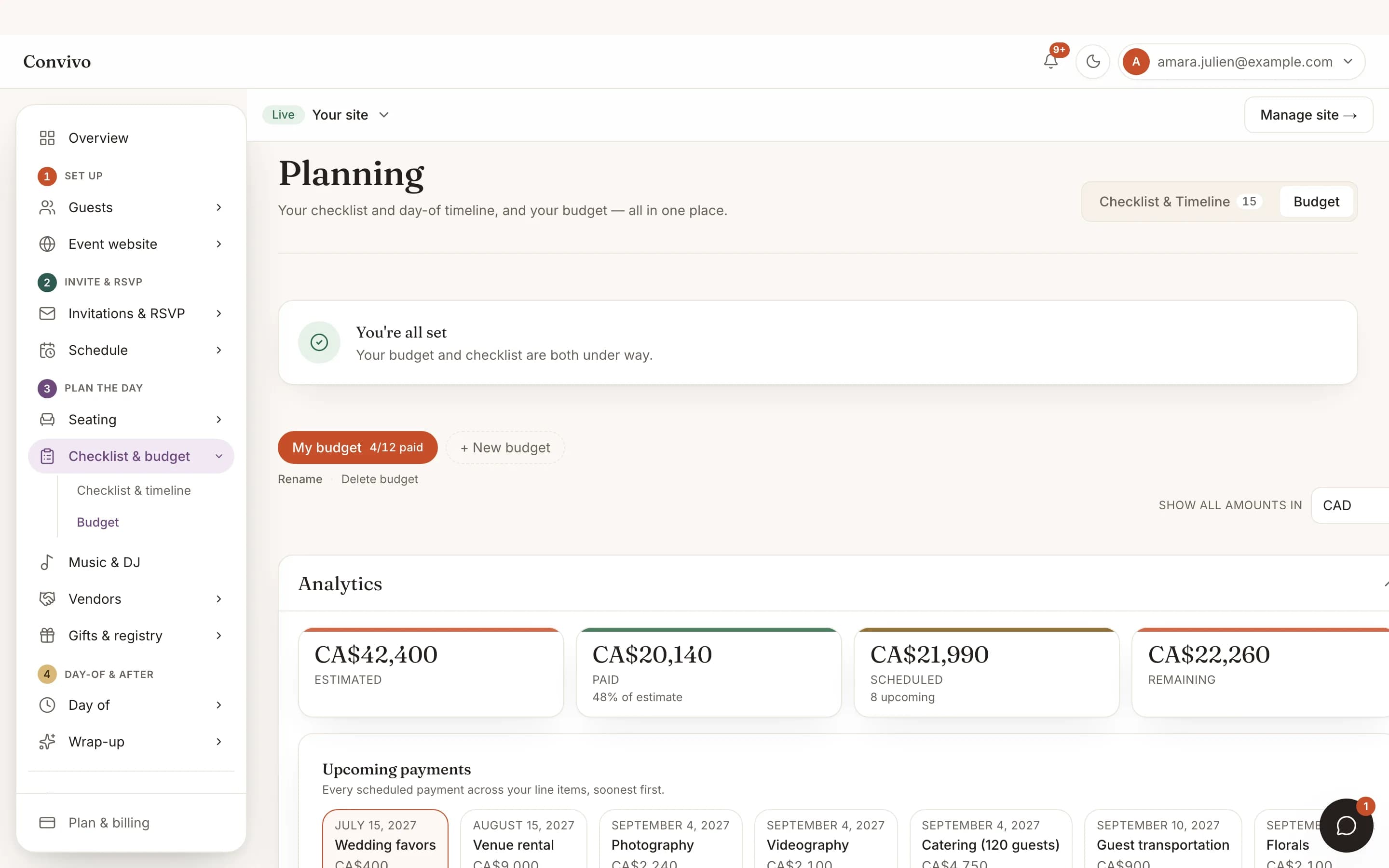
Budget tracker
Payment reminders you set up show up here, alongside vendor activity.
See Budget trackerHonest answers
Frequently asked
Will I get flooded with notifications?
Notifications are per event and per action; you're not subscribed to noise you didn't ask for.
Can I turn off email and keep the in-app inbox?
Yes. Email is one optional switch on your account, separate from the inbox itself.
Do notifications work the same for vendors?
Vendors get their own inbox for updates from the events they're linked to.
Can I see old notifications later?
Yes, they stay in your inbox after you've read them; nothing disappears once it's marked read.
Ready to put this to work?
Start free, and this exact page fills in with your own event.