
Photos & the live wall
Every guest, behind the lens.
Guests scan a QR and add their photos, no login needed, straight to a gorgeous shared gallery. Project the live Event Wall at the reception and watch it fill in real time. Every photo is privacy-cleaned (location data stripped) before it uploads.
- No-login guest photo uploads via QR
- Live, full-screen Event Wall slideshow
- Privacy-first: EXIF/location removed
In motion
See it in motion
A short, silent capture of the real product. No sound needed.
How it works
Three steps, start to finish.
Share the QR code
Print it on a table card or share the link. No login, no app to install.
Photos land in the gallery
Location and camera data are stripped from every photo before it's stored, then it joins the shared gallery.
Project the live wall
Put the Event Wall up on a screen at the reception and watch it fill in as guests upload.
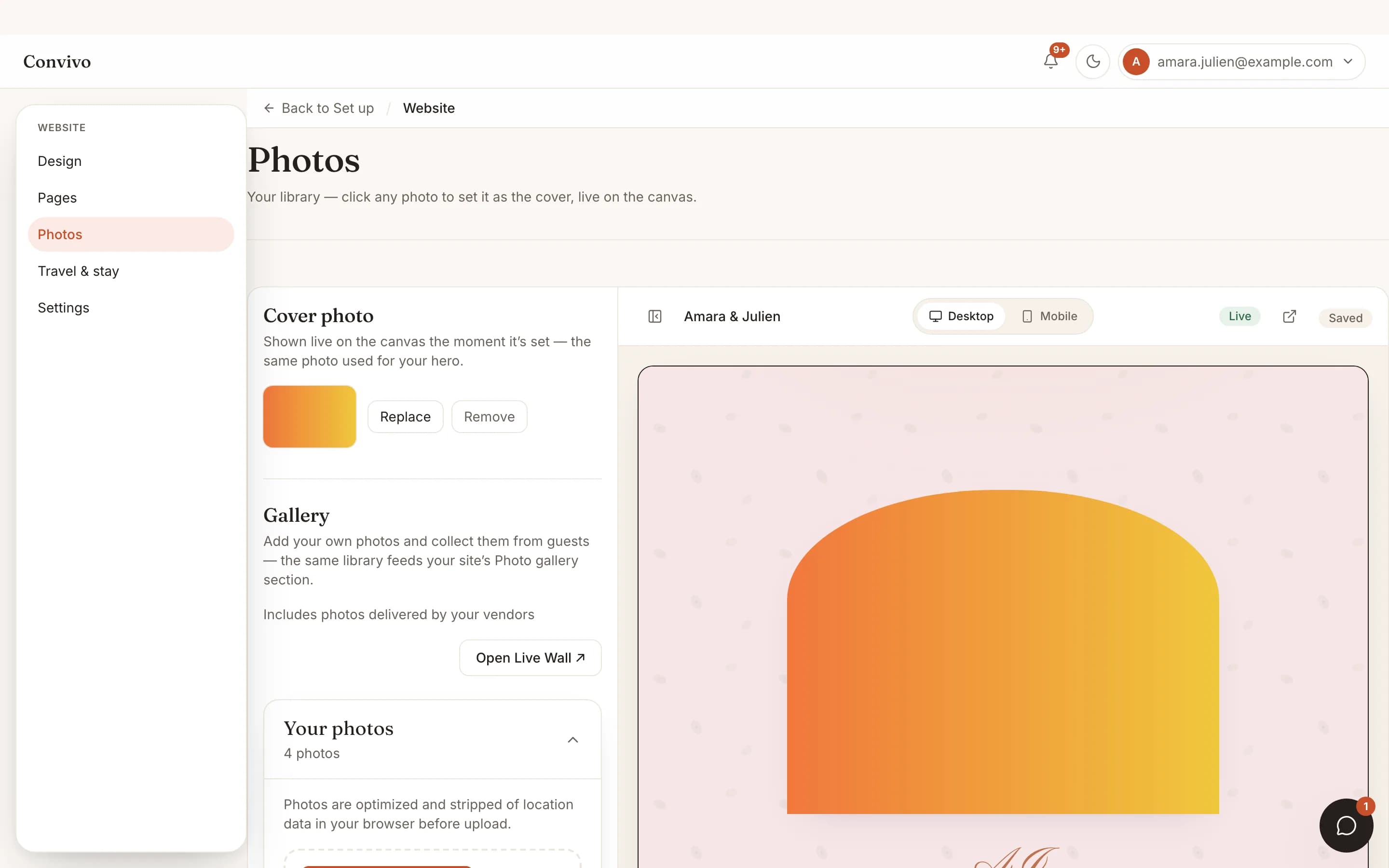
Straight from the product
The screen itself, unretouched.
The illustration at the top of this page was built from this exact capture, down to the labels and the counts.
What it connects to
Photos & live wall does not work alone.
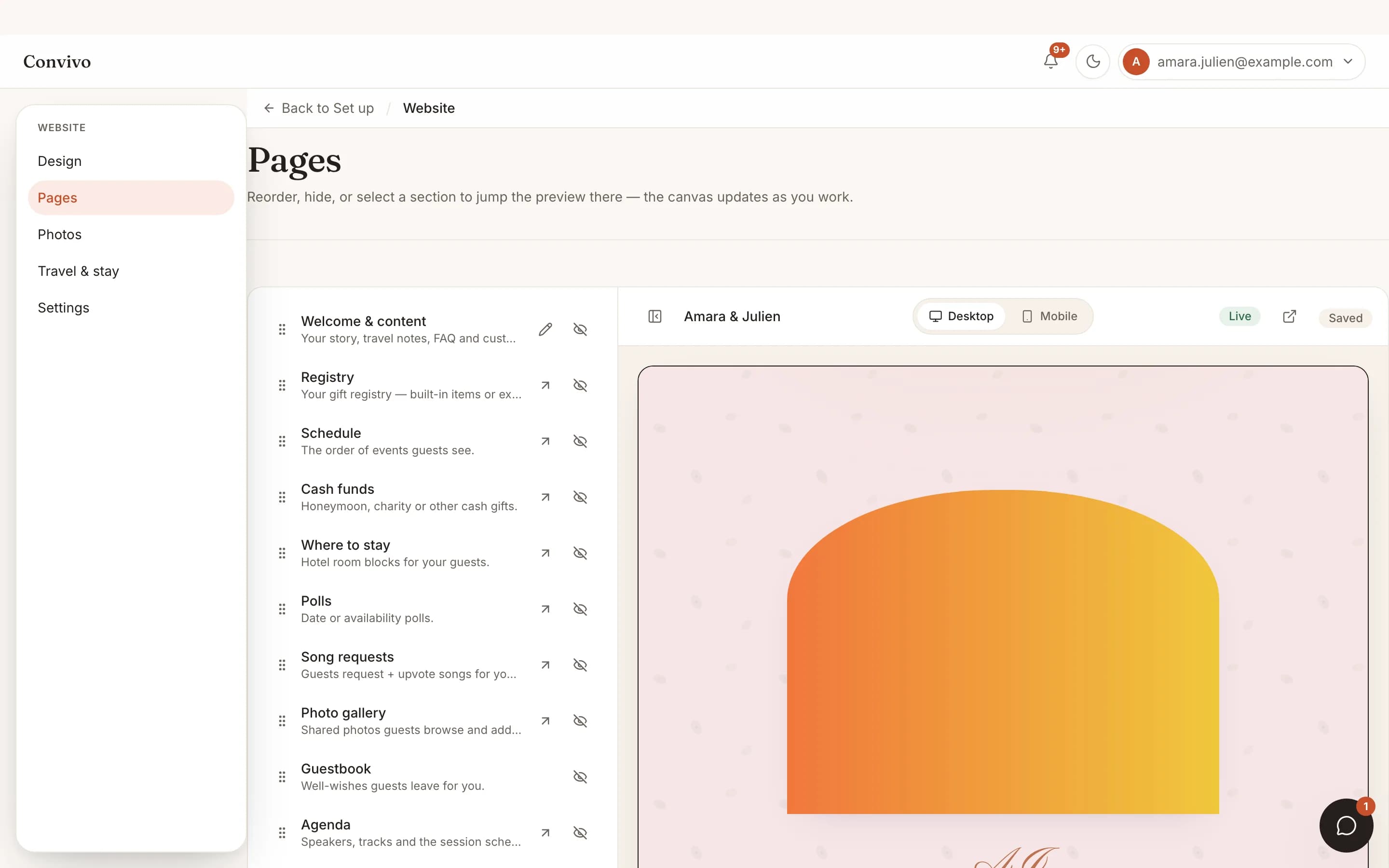
Themed website
The gallery lives right on your event site, next to the schedule and the story.
See Themed website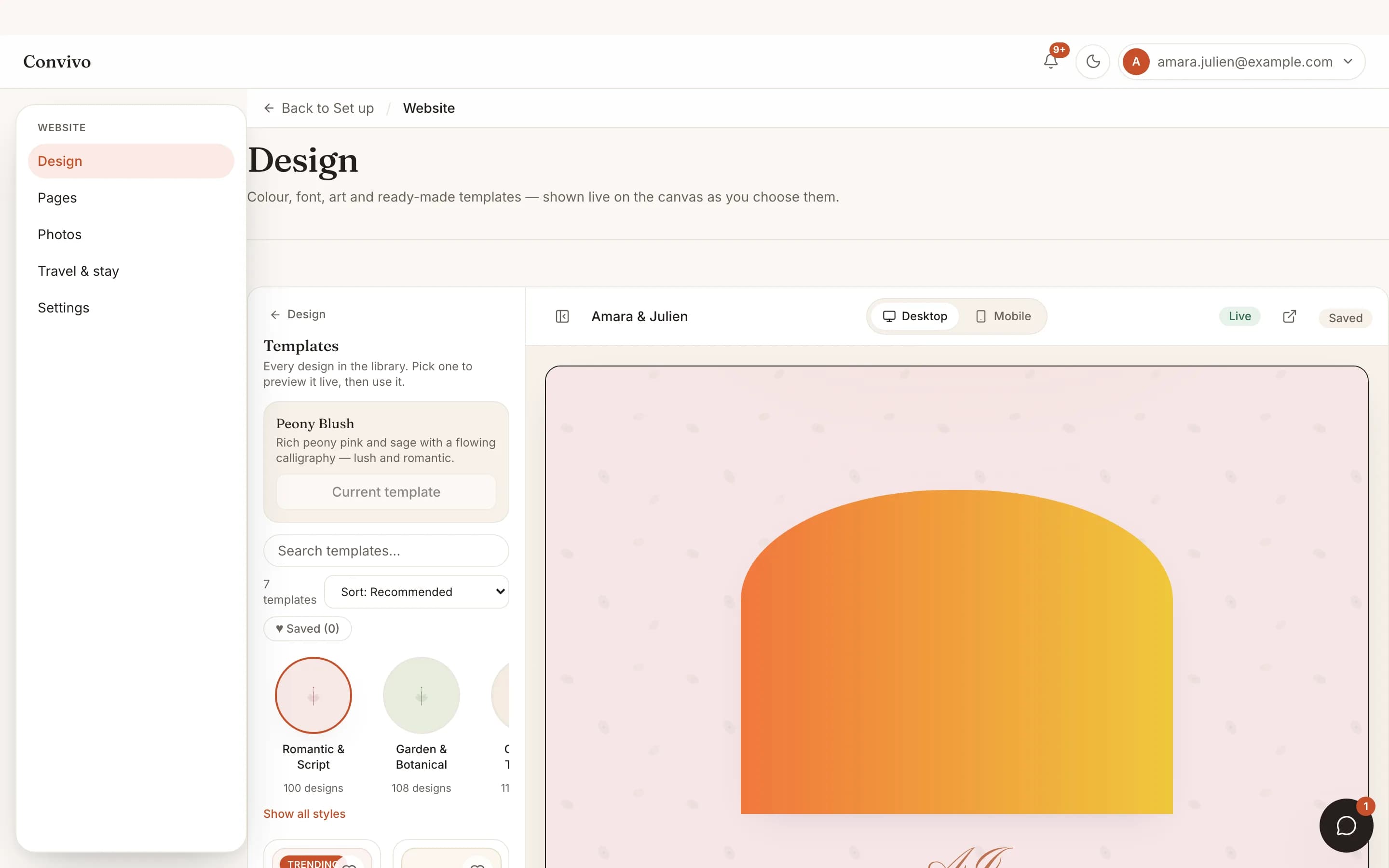
Themes
The gallery restyles along with your theme, so it never looks bolted on.
See Themes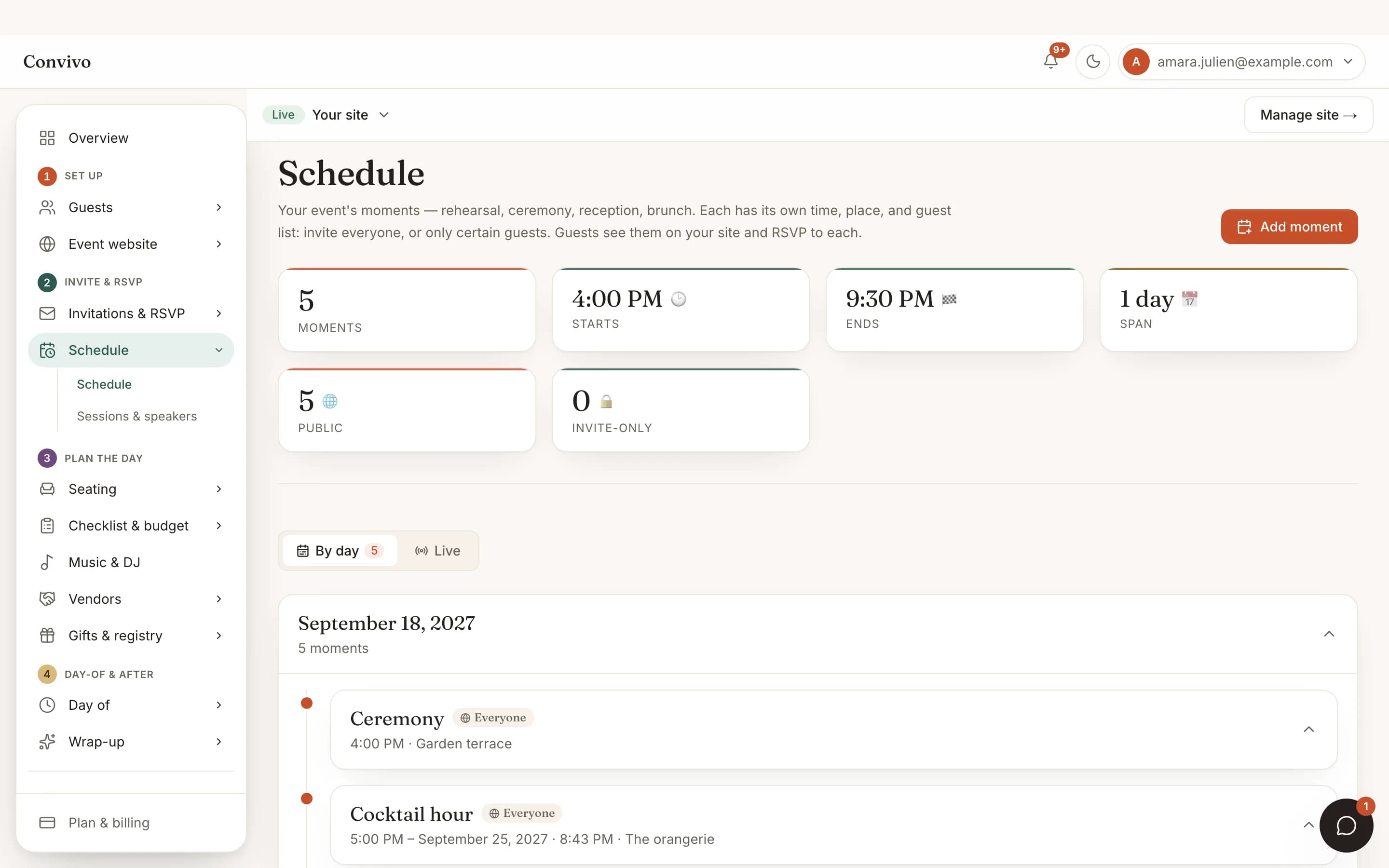
Schedule & moments
Tag a photo to a specific moment and it sits alongside that part of the day.
See Schedule & momentsHonest answers
Frequently asked
Do guests need to log in to upload photos?
No. They scan the QR code and upload straight away, the same as sending a text.
Is personal data removed from the photos?
Yes. Location and camera metadata are stripped before a photo is stored.
Can I remove a photo I don't want up there?
Yes. You can hide or remove any photo after it's uploaded.
Does the live wall need special equipment?
Any screen or projector connected to a browser works. Point it at the wall's URL and it updates on its own.
Ready to put this to work?
Start free, and this exact page fills in with your own event.