
Proposals & contracts
Draft, send, sign. No separate e-sign tool.
Send a priced proposal and a signable contract from the same project, and track the client's response without leaving Convivo. A signed contract is timestamped the moment it's signed.
- Priced proposals your client can accept
- Signable contracts with a timestamped signature
- Draft, send and track from one project
How it works
Three steps, start to finish.
Draft it
Build a priced proposal or a contract right on the project it belongs to.
Send it to your client
They open it through their private client link, no account required on their side.
Track the response
A proposal shows accepted or declined; a contract shows signed, with the exact time it happened.
What it connects to
Proposals & contracts does not work alone.
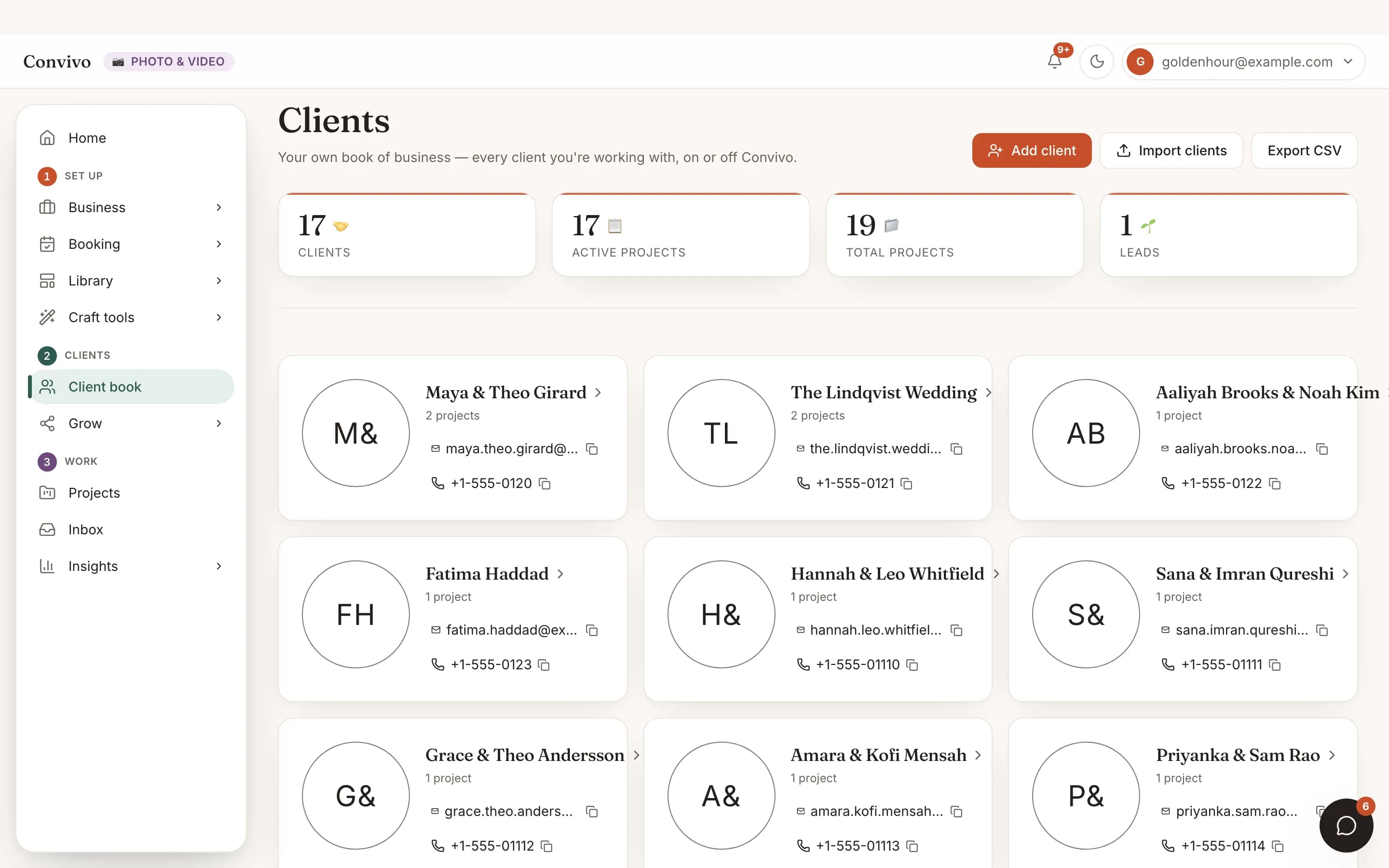
Client CRM
Every proposal and contract lives on a project, which rolls up to the client it belongs to.
See Client CRMInvoice
Partially paid- Deposit$500
- Balance, due Sep 1$1,200
Invoicing & payments
A signed contract is the natural next step before the first invoice goes out.
See Invoicing & payments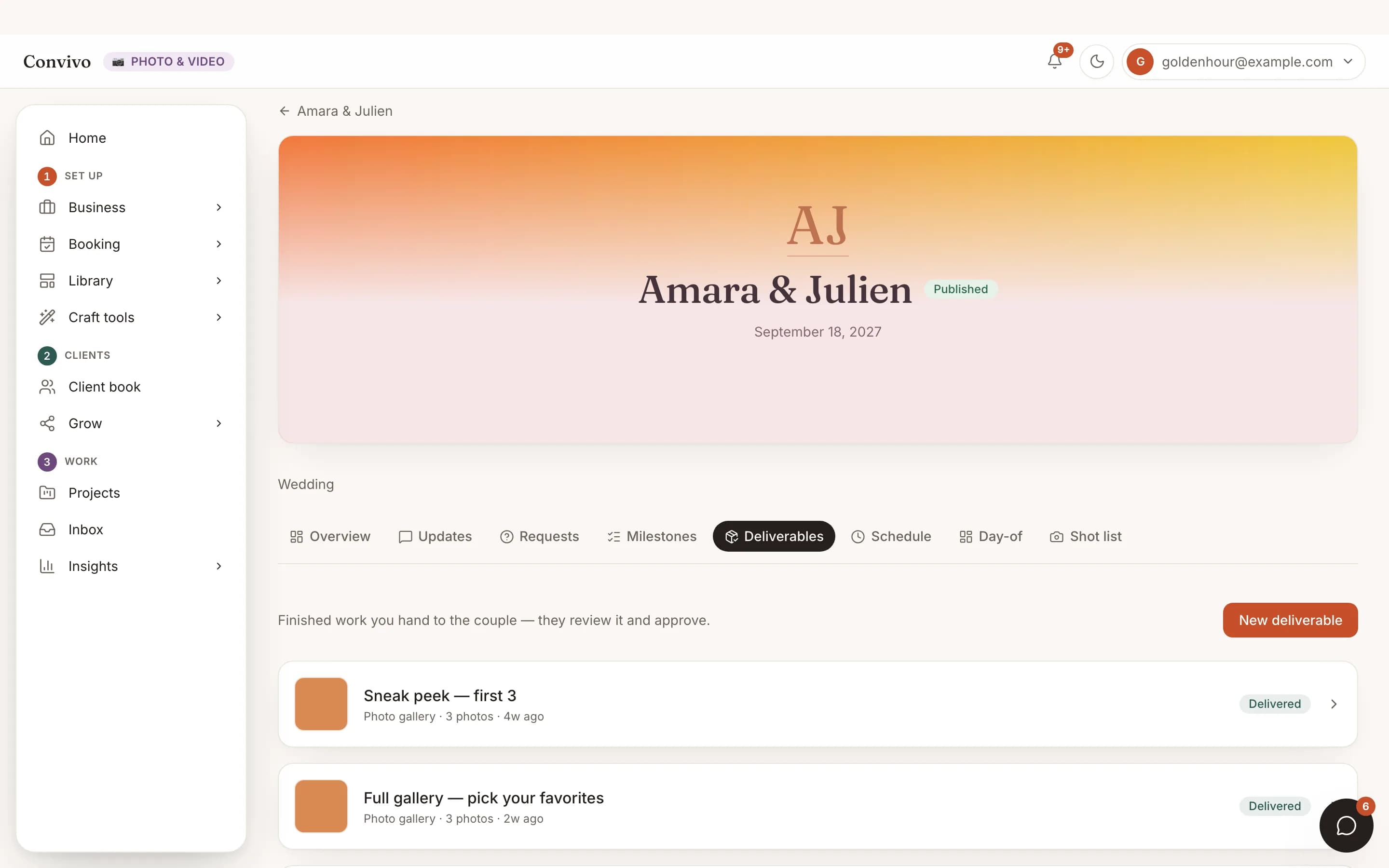
Deliverables
Once the paperwork's signed, deliverables for the same project land in the same place.
See DeliverablesHonest answers
Frequently asked
Is the signature legally binding?
The contract records a timestamped signature captured through the client's private link.
Does my client need a Convivo account to sign?
No. They open it through their private project link.
Can I download a copy?
Yes, both proposals and contracts can be downloaded as a PDF.
Can I edit a proposal after sending it?
You can edit a draft freely; once it's sent, you'd send a new version rather than alter what the client already saw.
Ready to put this to work?
Start free, and this exact page fills in with your own event.