
Client CRM
Your whole book of business, in one place.
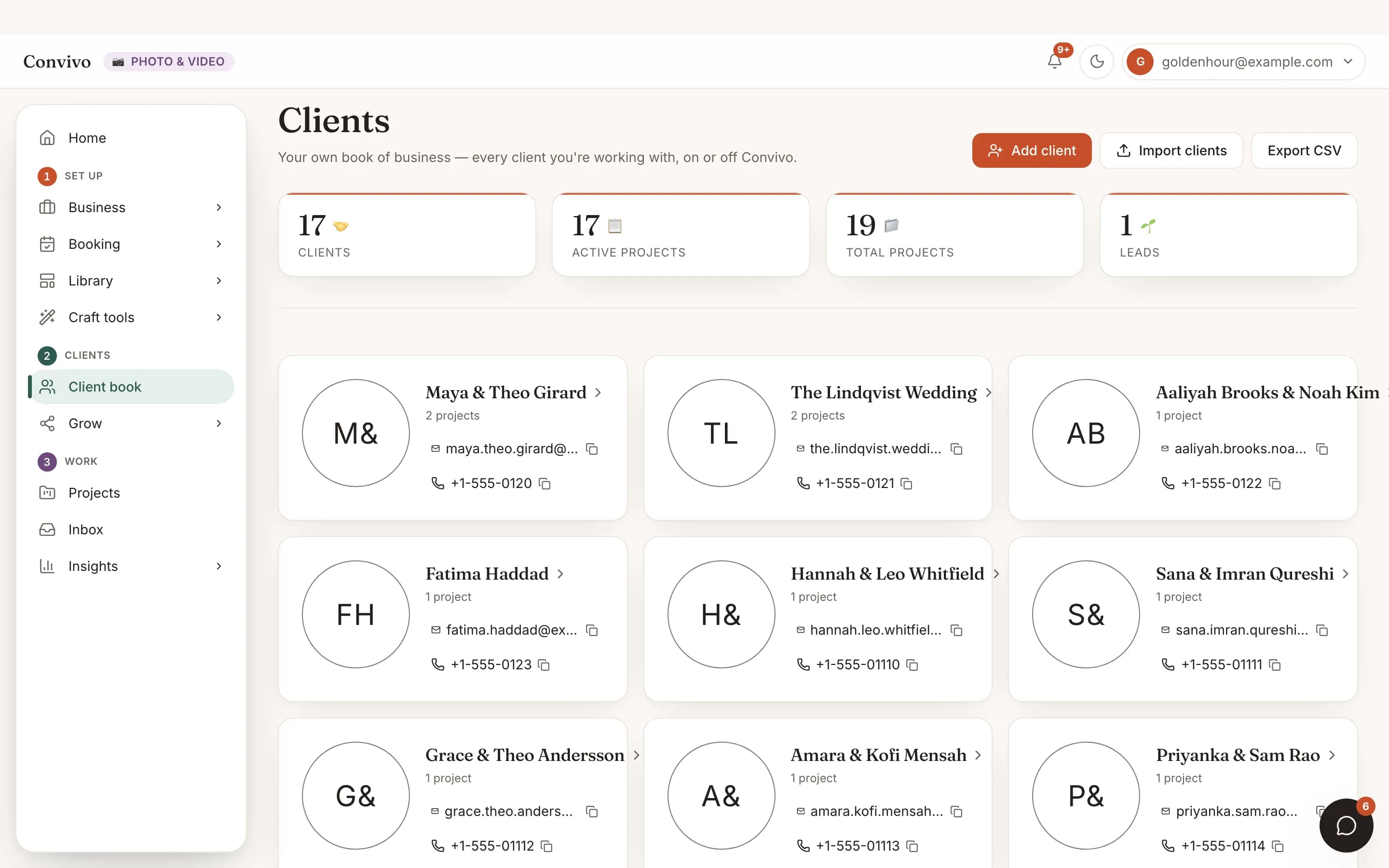
Every client you're working with, on or off Convivo. A name is all you need to add one, then track their contact info and open projects for them right here.
- One client book, on and off platform
- Add a client with just a name
- Open projects tracked per client
How it works
Three steps, start to finish.
Add a client
A name is all you need to get started; contact info can follow later.
Track them whether or not they're on Convivo
A client who books you off-platform gets the same card as one who found you here.
Open projects from their card
Every project you run for that client links back to their profile automatically.
Straight from the product
The screen itself, unretouched.
The illustration at the top of this page was built from this exact capture, down to the labels and the counts.
What it connects to
Client CRM does not work alone.
Proposals & contracts
- Sent
Wedding photography, full day
Proposal
- Signed
Service agreement
Contract
- Draft
Add-on: second shooter
Proposal
Proposals & contracts
Send a proposal or contract straight from a client's project.
See Proposals & contracts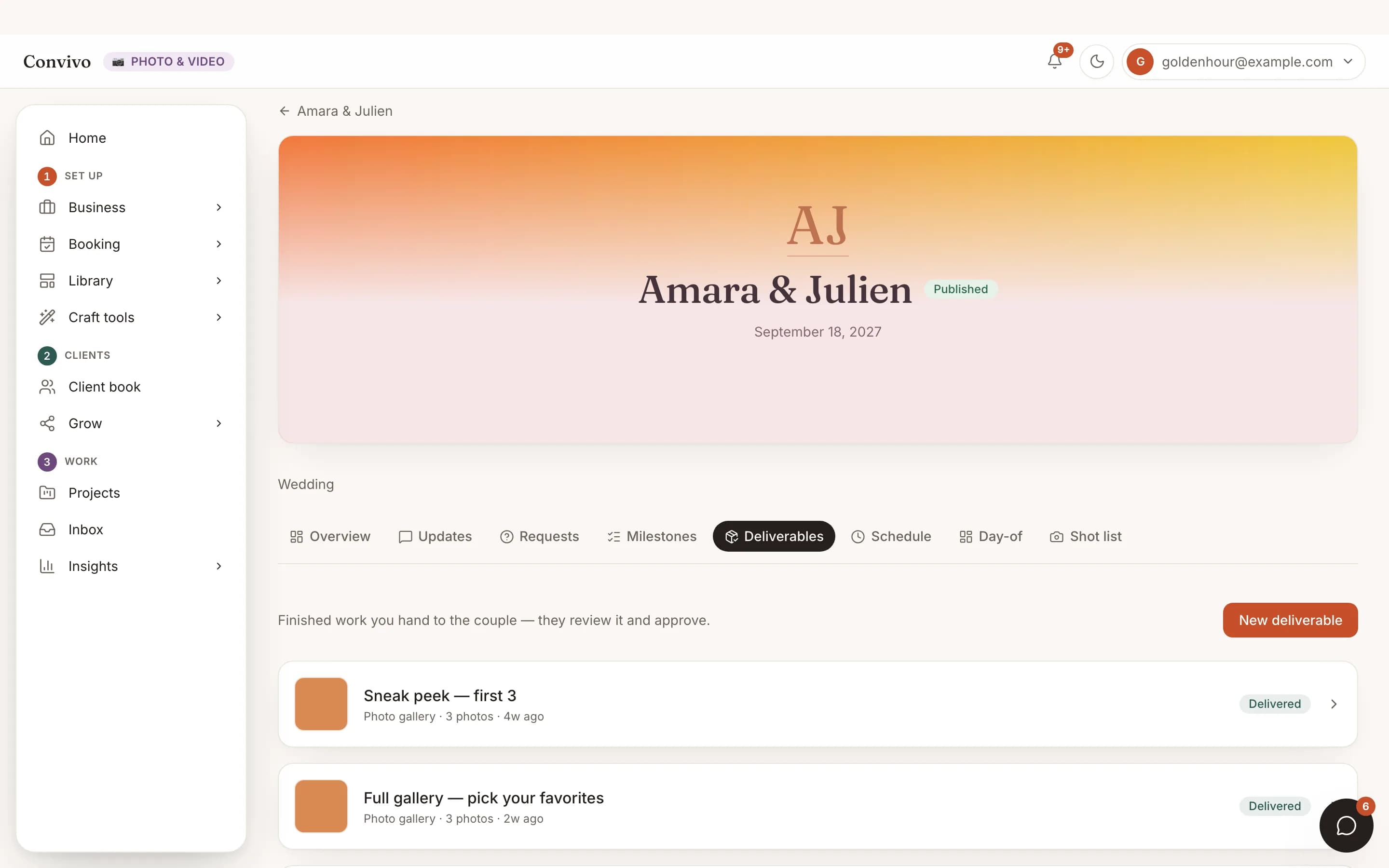
Deliverables
What you deliver on a project shows up tied to the same client.
See DeliverablesInvoice
Partially paid- Deposit$500
- Balance, due Sep 1$1,200
Invoicing & payments
Invoices live on the project, so payment history rolls up to the client too.
See Invoicing & paymentsHonest answers
Frequently asked
Do I have to add every client through Convivo?
No. Add a client the same way whether they booked you on-platform or off.
What’s the minimum I need to add a client?
A name. Everything else can be filled in later.
Can I export my client list?
Yes.
Is this the same as my event's guest list?
No. This is your business's client book, separate from any one event's guests.
Ready to put this to work?
Start free, and this exact page fills in with your own event.