
Seating & event space
The seating chart that seats itself.
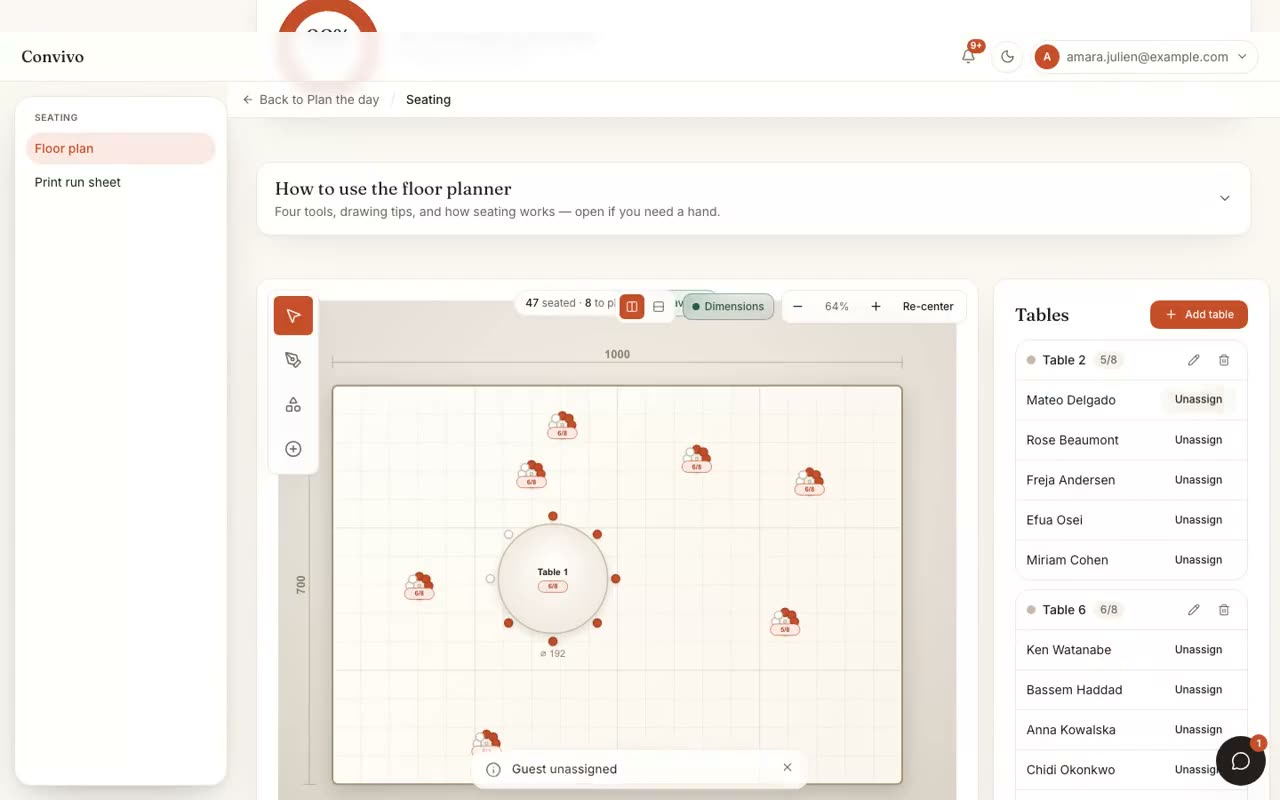
Drop round and rectangular tables onto your real venue floor plan, then drag guests into seats. Convivo keeps households together, flags conflicts, and updates instantly as RSVPs change.
- Drag-and-drop tables on your floor plan
- Keep households & parties together
- Live sync with RSVP changes
In motion
See it in motion
A short, silent capture of the real product. No sound needed.
How it works
Three steps, start to finish.
Drop your real floor plan
Place round and rectangular tables to match your venue's actual layout.
Drag guests into seats
Convivo keeps households together automatically and flags a table that's over capacity.
Stay synced with RSVPs
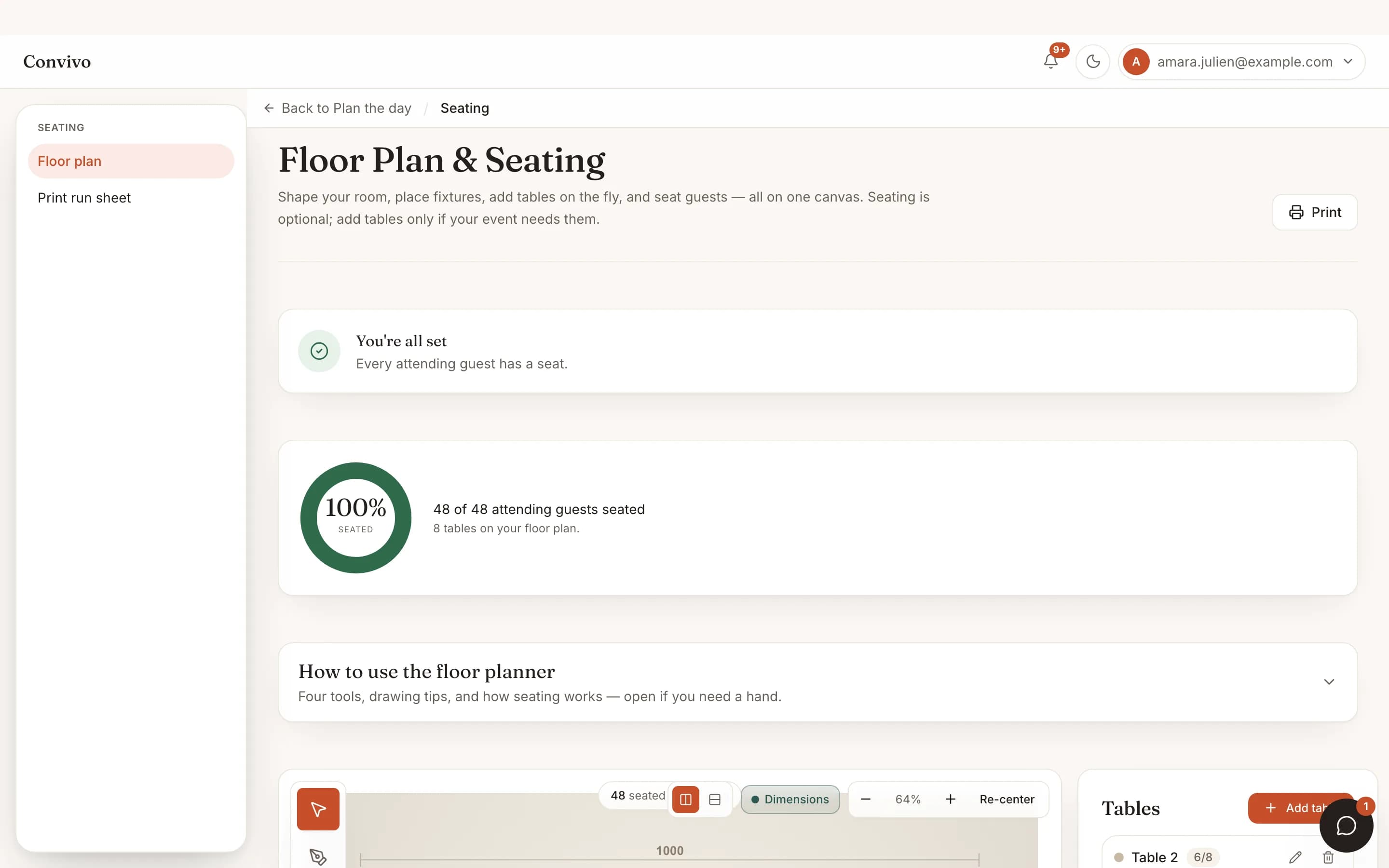
A guest who declines opens their seat back up. A late yes shows up as unseated until you place them.
Straight from the product
The screen itself, unretouched.
The illustration at the top of this page was built from this exact capture, down to the labels and the counts.
What it connects to
Seating & floor plan does not work alone.
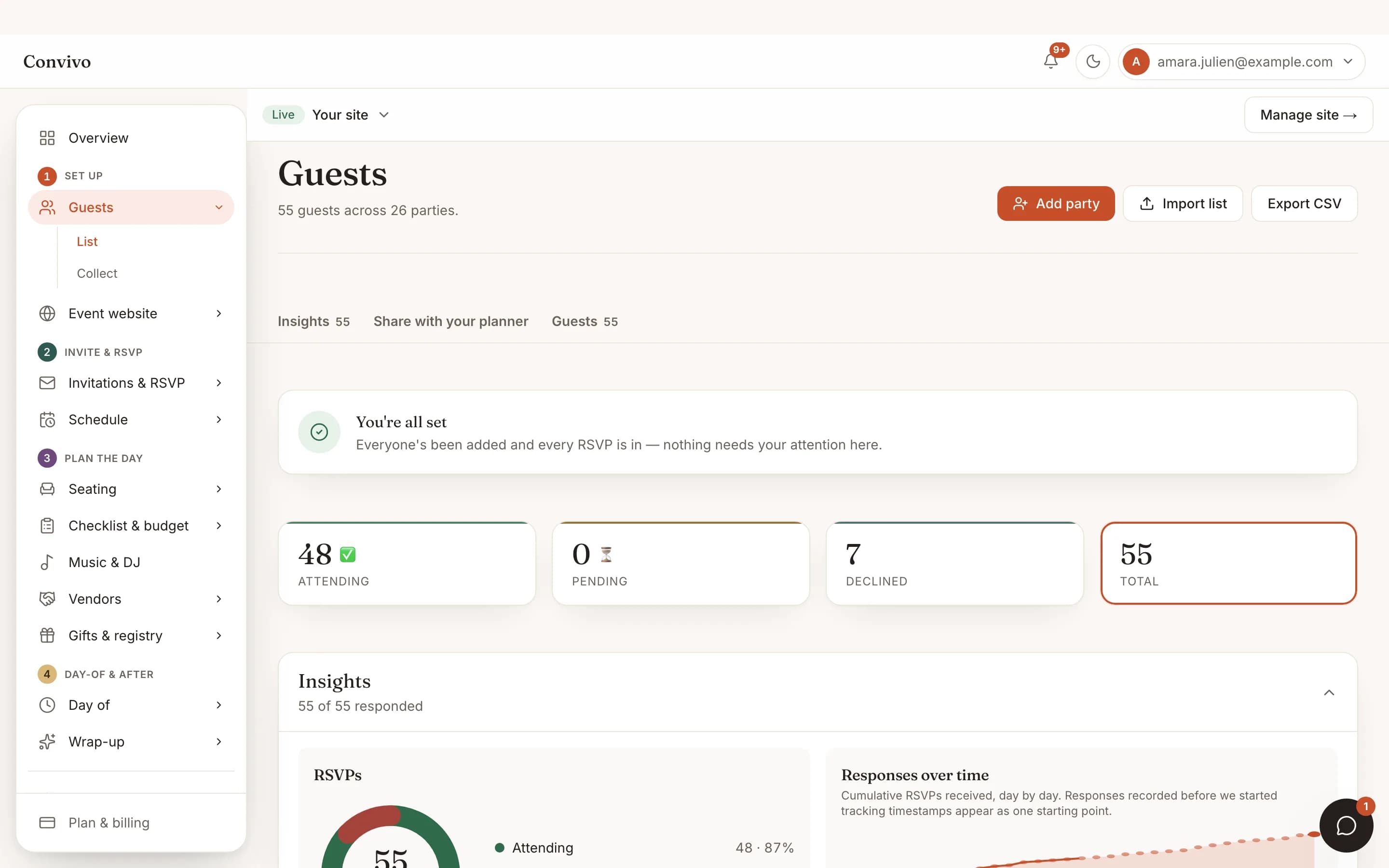
No-login RSVP
Only guests who said yes show up as seatable, so the chart never gets ahead of the real headcount.
See No-login RSVPGuest list
Households and tags carry over, so who belongs together is already known.
See Guest list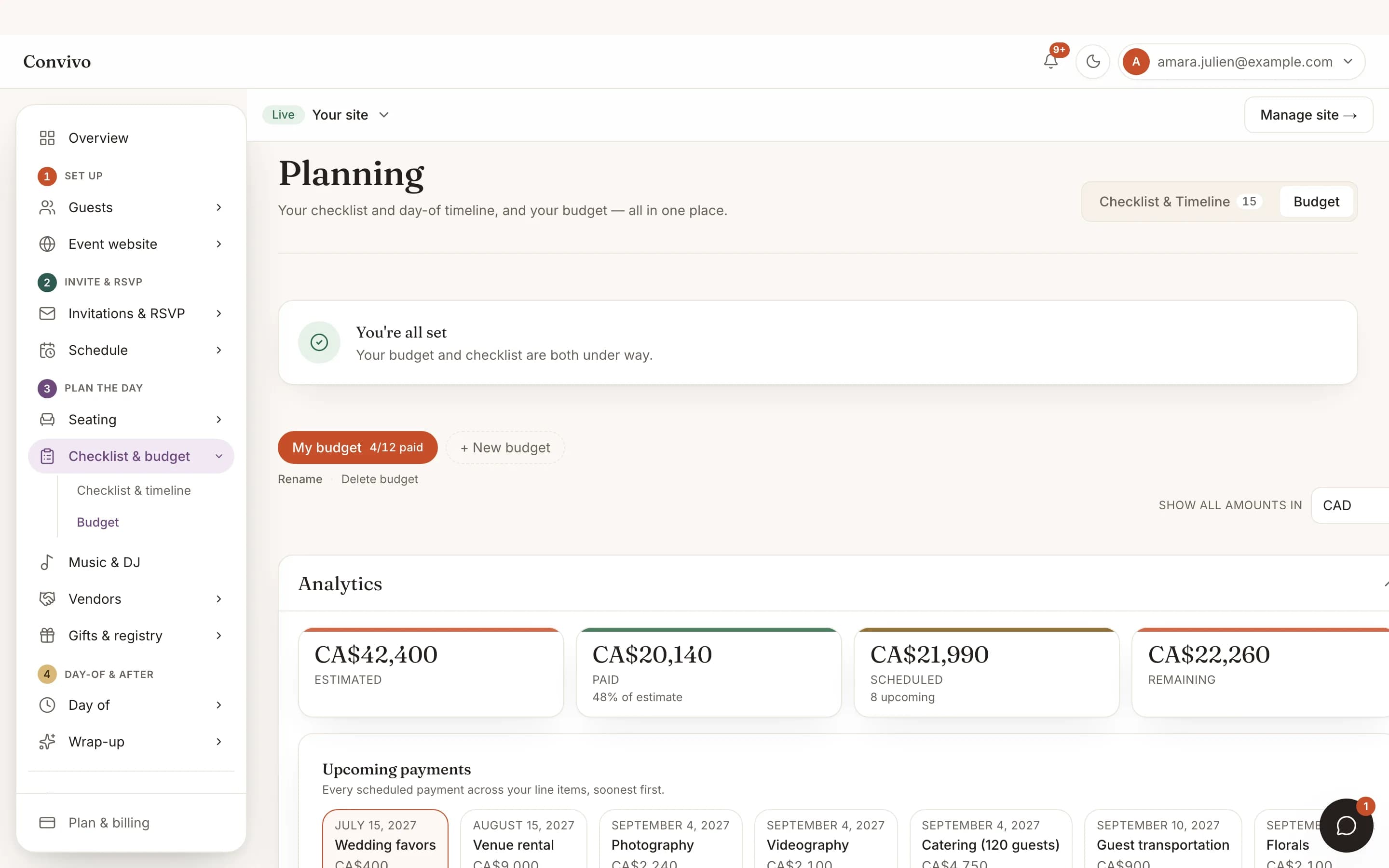
Budget tracker
Your seated count is the same number driving per-head costs in the budget tracker.
See Budget trackerHonest answers
Frequently asked
Can I use my venue's actual floor plan?
Yes. Place tables to match the real room, rather than working from a generic grid.
What happens when a guest's RSVP changes?
A decline opens their seat back up automatically, and a new yes shows as unseated until you place them.
Does it keep families and couples together?
Households from your guest list stay grouped, so you are not re-deciding who sits with whom.
Can I see the chart from a phone during setup?
Yes, though the drag-and-drop editor is easiest on a larger screen; there is a keyboard-accessible list view too.
Ready to put this to work?
Start free, and this exact page fills in with your own event.