
Music & playlist
The music, sorted before the first dance.
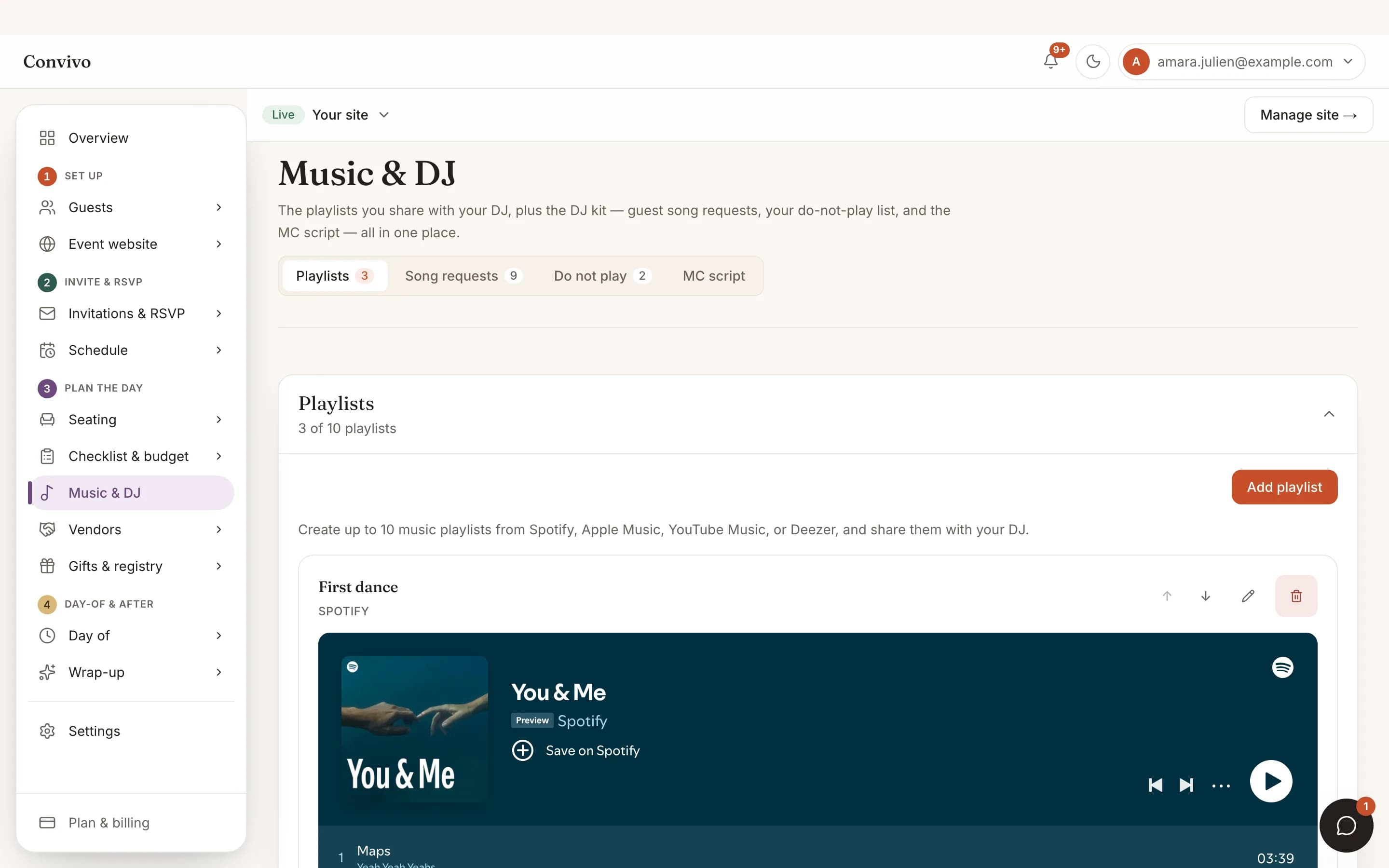
Share Spotify, Apple Music or YouTube playlists with your DJ, log your first dance and do-not-play list, and let guests add song requests of their own.
- Share playlists straight to your DJ
- First dance and do-not-play list
- Guest song requests
How it works
Three steps, start to finish.
Share your playlists
Link the Spotify, Apple Music or YouTube playlists you already made.
Set the must-plays and must-nots
Log your first dance and a do-not-play list so nobody has to guess.
Let guests add requests
Guests can add a song of their own, which lands right alongside your list.
Straight from the product
The screen itself, unretouched.
The illustration at the top of this page was built from this exact capture, down to the labels and the counts.
What it connects to
Music & playlist does not work alone.
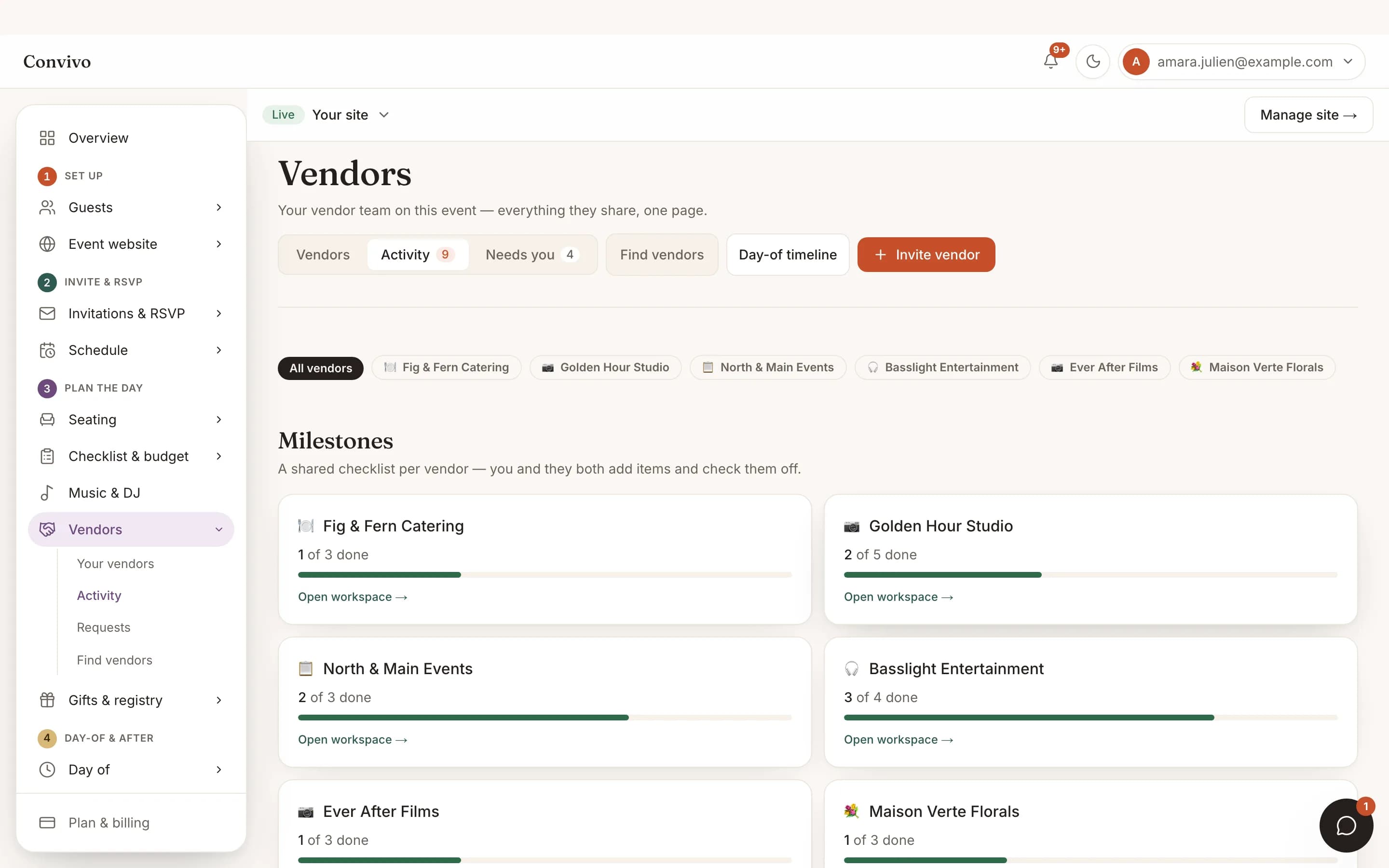
Vendor collaboration
Your DJ sees the same playlists and requests inside their own portal, in real time.
See Vendor collaboration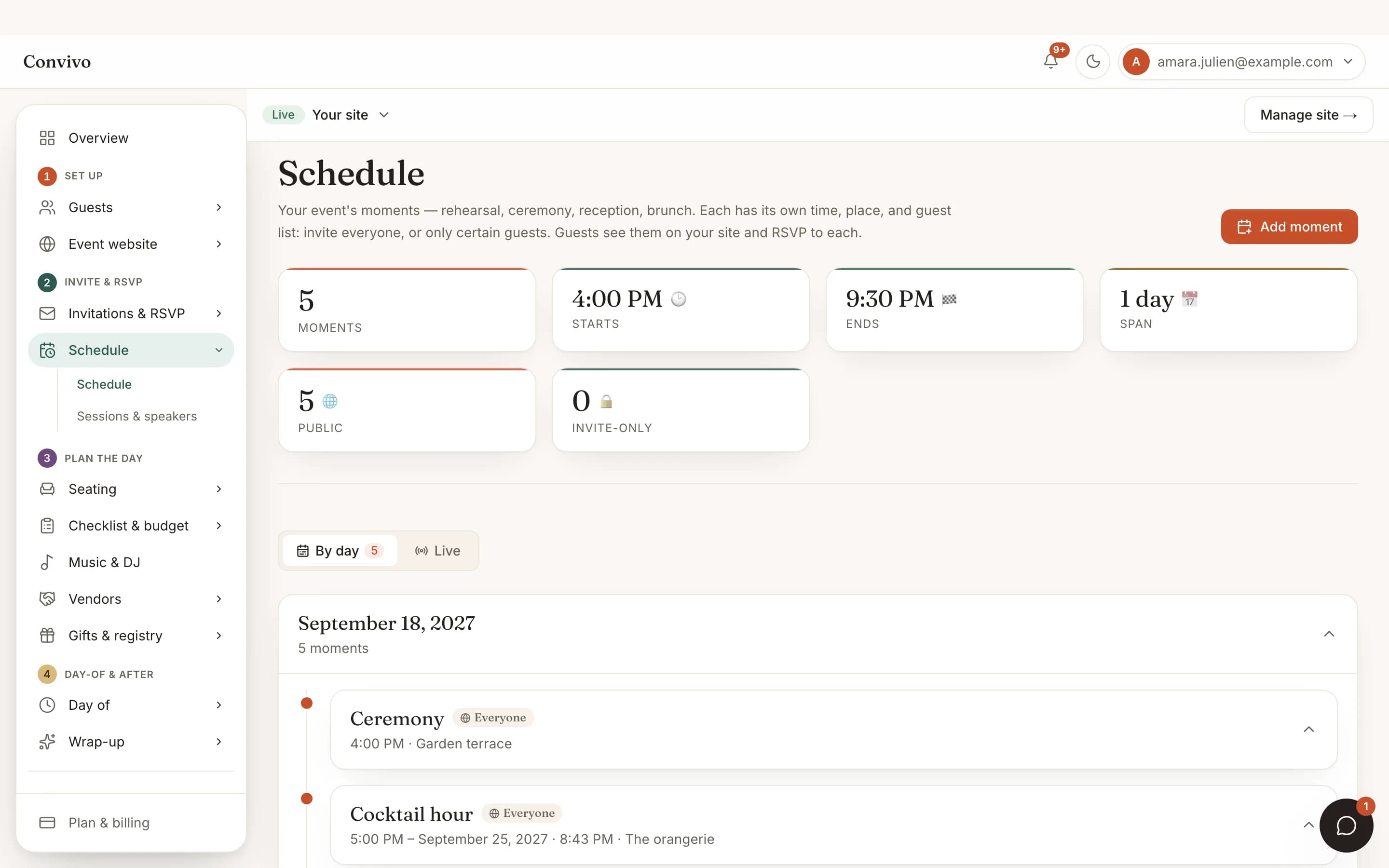
Schedule & moments
Tie a song to a moment, the first dance during dinner for example, so timing is never a guess.
See Schedule & moments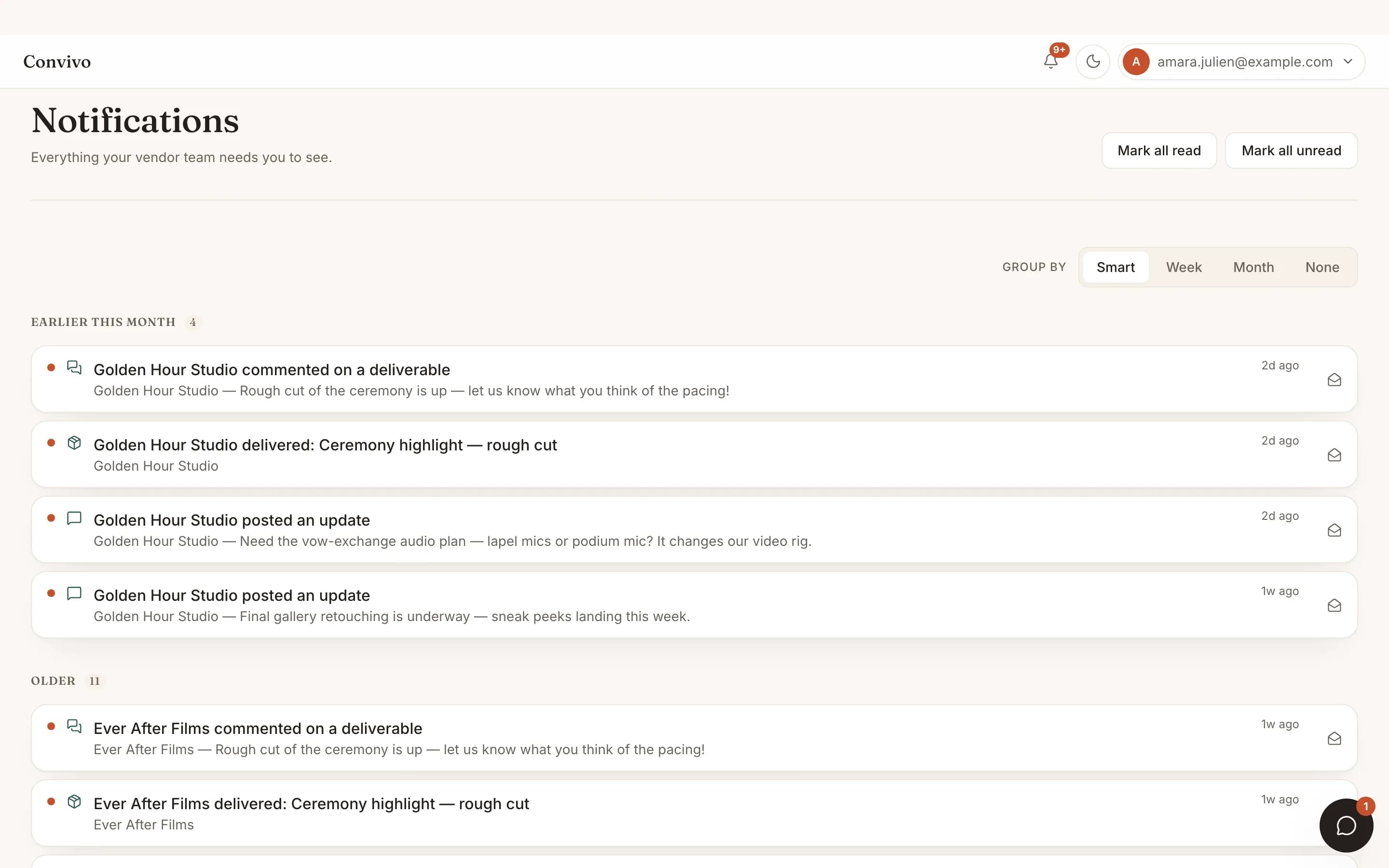
Notifications
A new guest request can notify you the moment it comes in.
See NotificationsHonest answers
Frequently asked
Which music services work?
Spotify, Apple Music and YouTube playlists can all be linked.
Can guests request songs without an account?
Yes, the same no-login link they use everywhere else on your site.
Can I keep a song off the list no matter what?
Yes. Add it to your do-not-play list and your DJ sees it clearly.
Does my DJ need to be on Convivo to see this?
If they're a linked vendor, yes, they see it in their own portal; otherwise you can share the playlists directly.
Ready to put this to work?
Start free, and this exact page fills in with your own event.