
For venues
Your space, booked and briefed.
Track every space against every tentative and booked date in one Holds view, with a soft flag the moment two projects hold the same slot, so you resolve it by hand instead of double-booking by accident. Your own space catalog powers the view. Floor plans, vendor coordination and the day's run of show happen through the same updates and the same shared run of show every vendor on Convivo uses, not a venue-only tool.
- Holds: every space crossed with every tentative date
- A soft collision flag when two projects hold the same slot
- Your own catalog of bookable spaces
Straight from the product
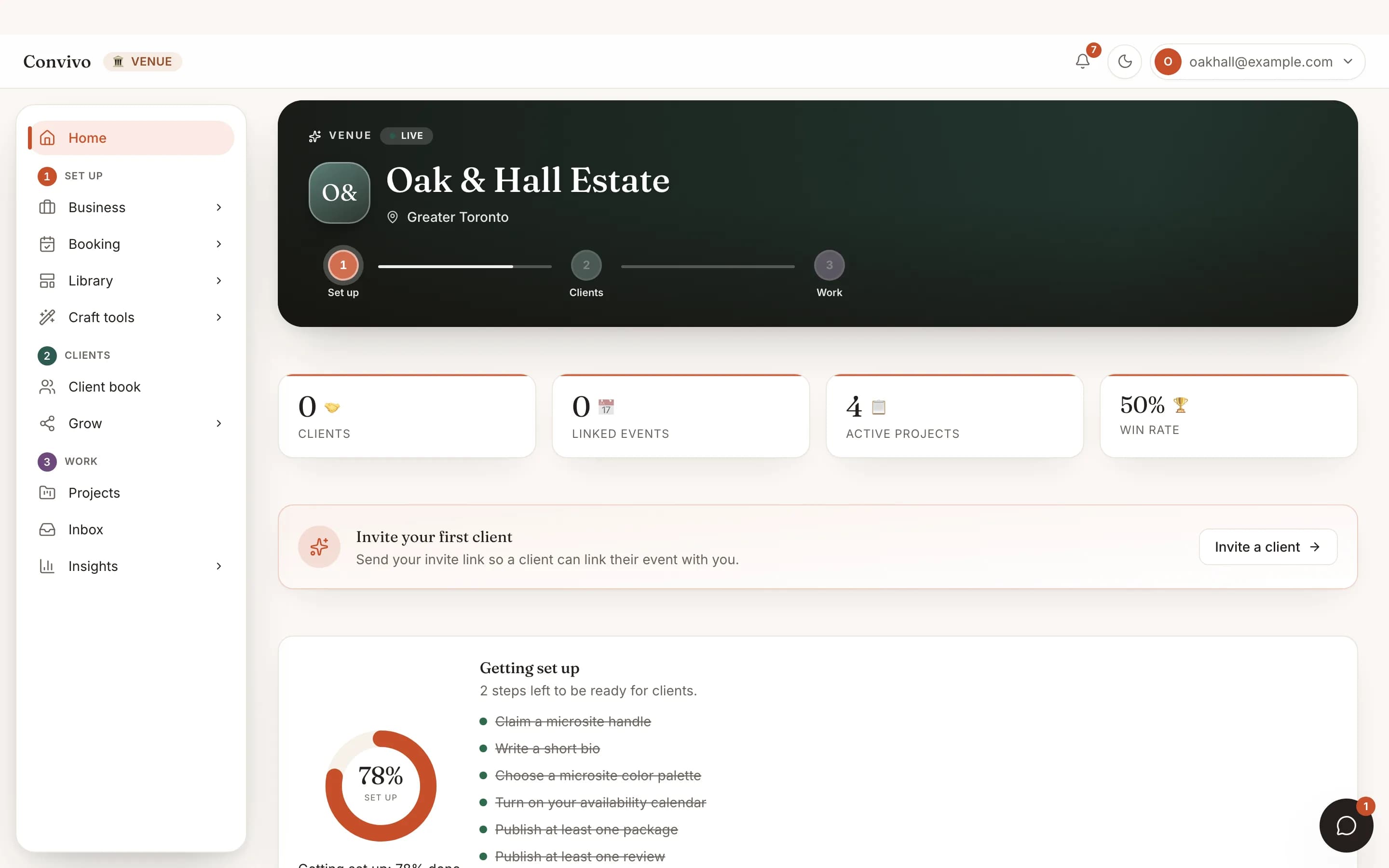
The screen itself, unretouched.
The illustration at the top of this page was built from this exact capture, down to the labels and the counts.
How it works
Booked to briefed in three steps.
List your spaces
Add each bookable space once; it becomes the row every hold and every occupancy heatmap is built from.
Hold a date
Assign a space to a project from its edit form, and the date appears in Holds automatically.
Resolve collisions by hand
A soft badge flags when more than one tentative project holds the same space and date. Nothing is auto-cancelled; a venue legitimately stacks holds until one signs.
Built for this craft
Your real toolkit.
Not a generic client list. Here is exactly what this vertical opens, and whether you edit it or read it.
Holds
You editEvery space crossed with every tentative or booked date, with a collision badge and a month-by-month occupancy heatmap.
Space catalog
You editYour own list of bookable spaces, the source Holds and its occupancy view are built from.
Works alongside
It does not stop at this one tool.
Honest answers
Frequently asked
Does a collision automatically cancel a hold?
No. It is advisory only, a badge you resolve by hand; venues legitimately keep more than one tentative hold on a date until one signs.
Do I get a dedicated floor-plan tool?
No. Floor plans and vendor coordination happen through the same shared updates and day-of timeline every vendor uses, not a venue-only tool.
How far ahead does the occupancy view show?
The soonest three months per space; later months aren't shown there.
Ready to bring your clients?
Start free, and this exact portal fills in with your own bookings.
Other crafts