
Your client’s wedding, already open.
Their guest list becomes your headcount. Their timeline is your call sheet. You stop asking for the things they already typed in once.
Bring the clients who’ve never heard of us, too: a private link runs the whole job for someone with no account at all.

Our fee, plainly
We take a percentage of what you invoice through us.
0.5% to 2.5%, depending on your plan. Free vendors pay the most. That’s the trade for paying nothing to start.
Built for your craft
Your vertical gets its own tools.
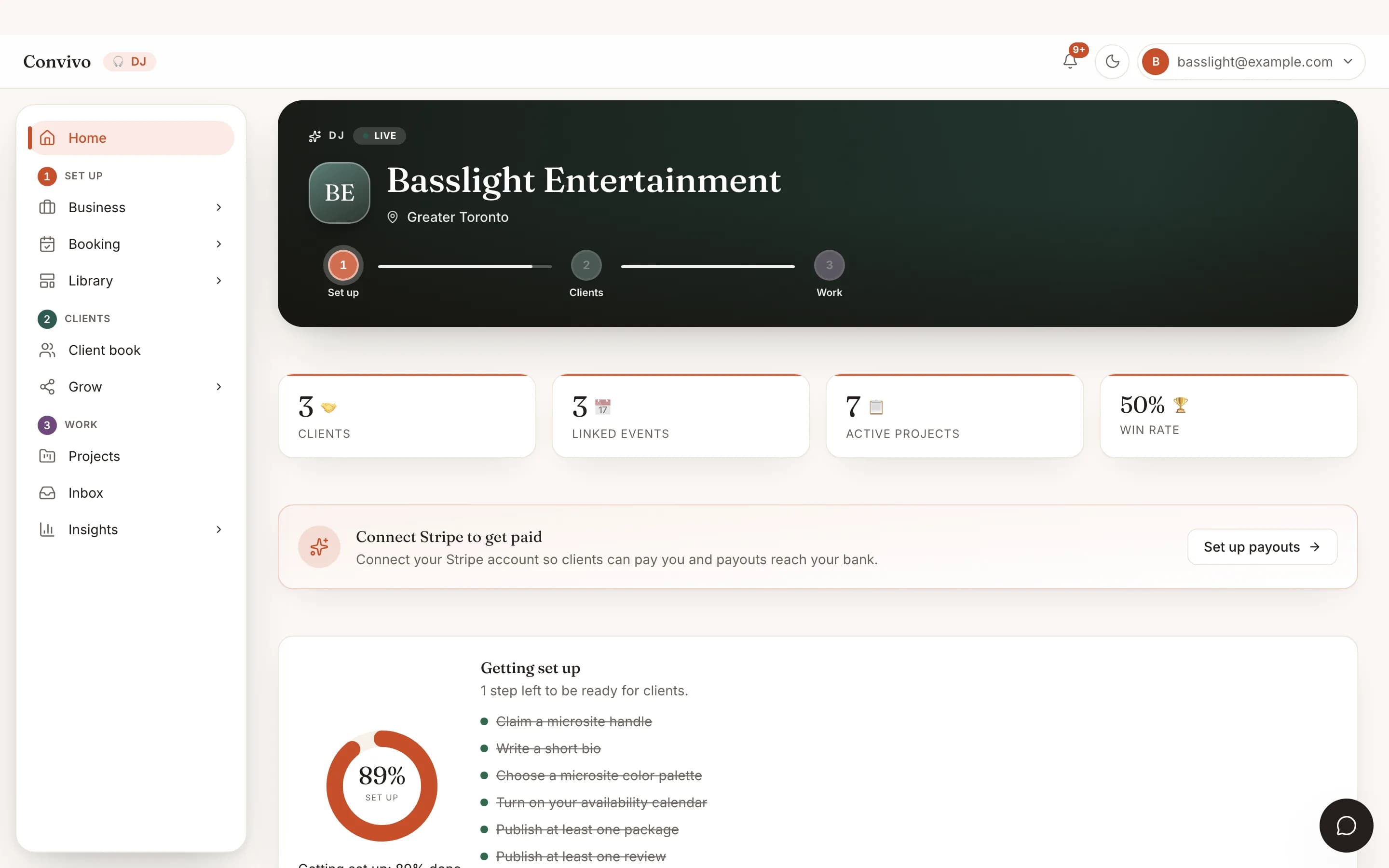
A DJ and a caterer need different screens, so they get different screens. Whatever yours shows, the people throwing the event are looking at the same thing.
The set list, settled before you get there.
Your couples build must-play and do-not-play lists right inside their event, and every change lands in your portal the moment they save it. Guest song requests arrive with live vote counts, and the MC script keeps names, pronunciations and the intro order in one place, so the first dance never catches you off guard.
- Shared must-play & do-not-play lists, always current
- Guest song requests with live vote counts
- MC script: names, pronunciations, intro order
Every vendor's tools, on one screen.
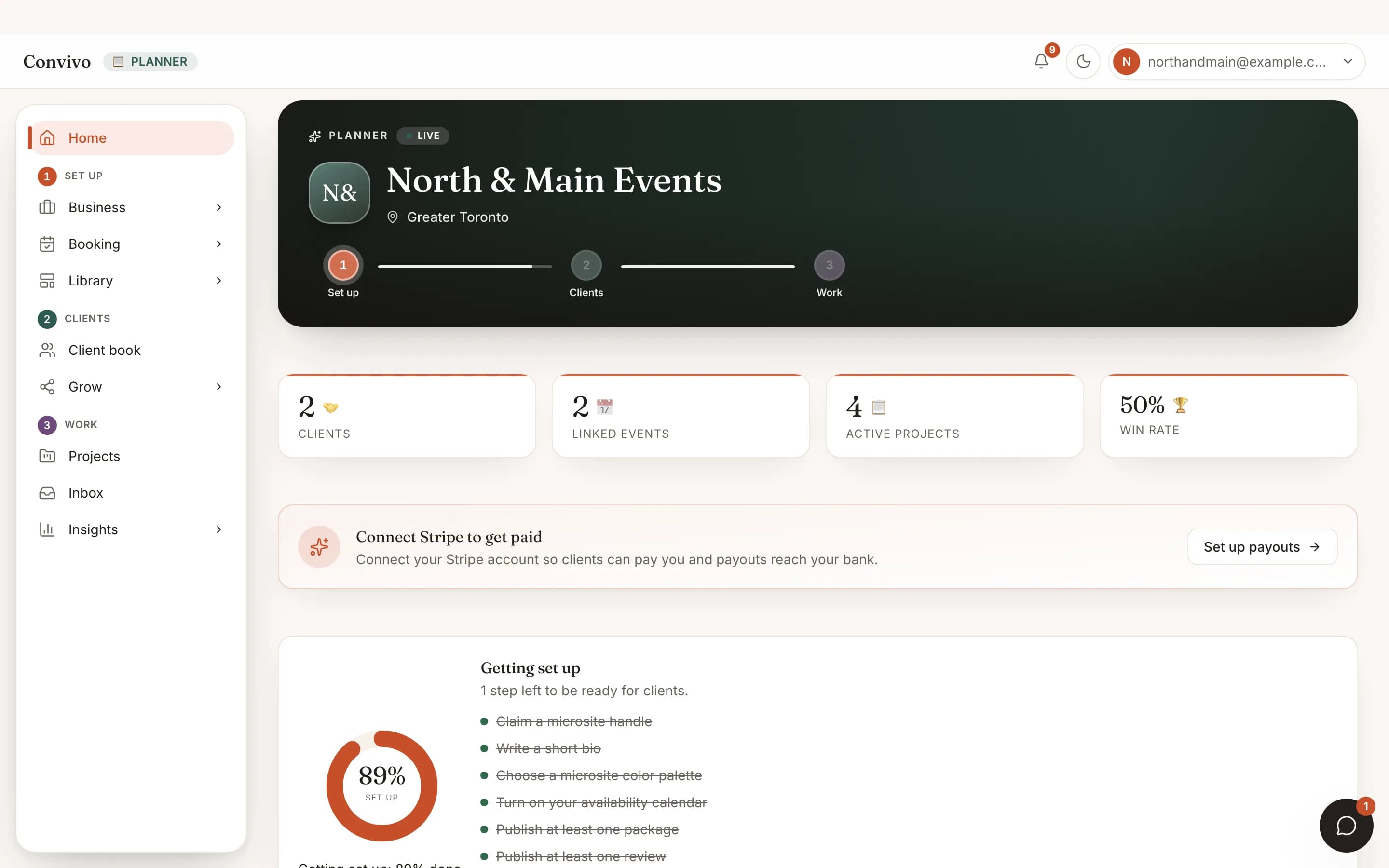
A planner sees more of an event than anyone else working on it: the shot list, the menu and the dietary matrix, the proposal boards, the playlists, the BEO, all on the one linked event. You are not chasing six inboxes for six vendors. You are reading their actual work, as they update it.
- Reads every vendor's tool on a shared event
- Co-edits the shared milestones and day-of run-of-show
- One client book across every event you run
Never miss a must-have.
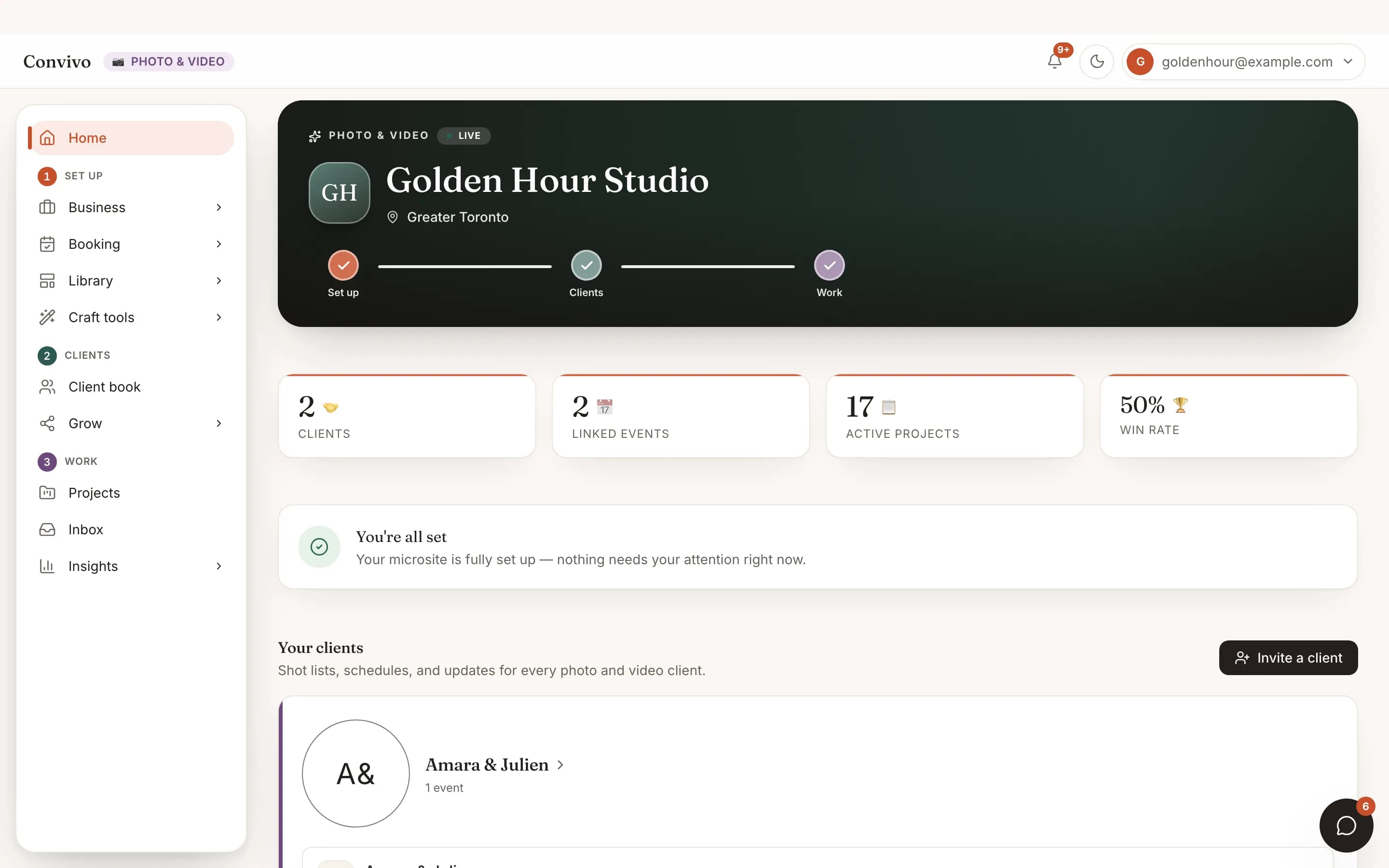
Build the photo & video shot list yourself, moment by moment, mark the ones that cannot be missed, and keep the day's schedule sitting right beside it. Your client watches the list take shape live in their own dashboard as you add to it. When the light is perfect, you already know where to stand, and where to point the second camera. The finished gallery or highlight film hands off through the same deliverables tool every vendor on Convivo uses.
- Shot lists grouped by moment, visible to your client live
- Must-have priorities that are impossible to miss
- The day's schedule sits right beside the list
The menu and the matrix, always current.
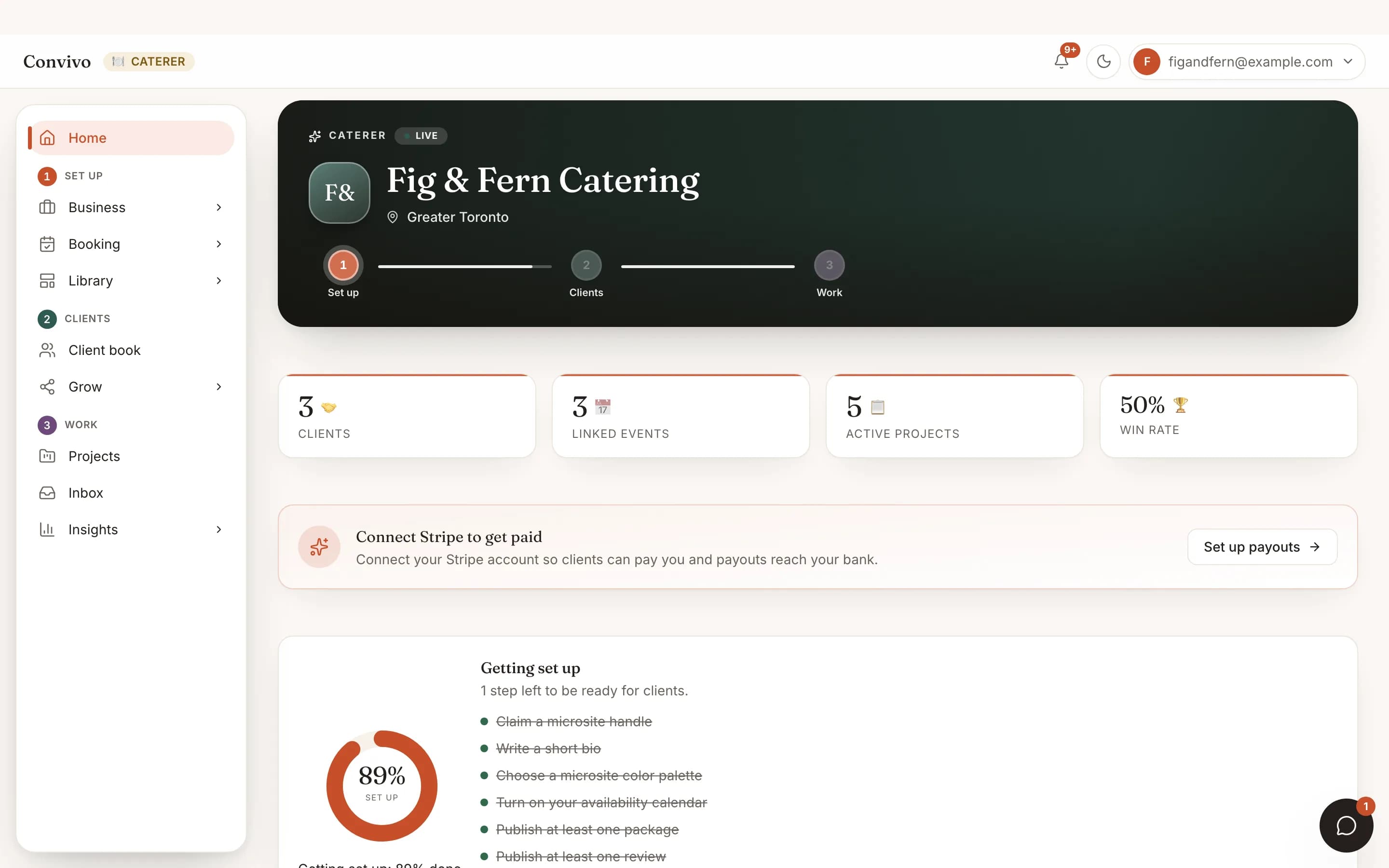
Build the menu yourself, courses, dishes, and a dietary tag on each one, and your client watches it take shape in their own dashboard. The dietary matrix and headcount then keep themselves current as RSVPs land, no Thursday-night spreadsheet reconciliation before a Saturday event. When it's time to lock logistics, the BEO holds the room, timing, service style, bar service and staffing, plus tasting requests your client can respond to.
- Menu builder: courses, dishes, dietary tags
- A dietary matrix that updates itself with RSVPs
- BEO: room, timing, staffing, bar service, tastings
Proposals they can actually see.
Share proposal boards with real photos, the arch, the centerpieces, the bouquet, right on the same event your client already sees the rest of their planning in. Build up to ten boards per event, each stocked with photos and notes, so every arrangement is tracked from first sketch to the day itself.
- Proposal boards with real photos, not a separate mood-board link
- Up to 10 boards per event, one per arrangement
- Visible in your client's own dashboard the moment you save
Your space, booked and briefed.
Track every space against every tentative and booked date in one Holds view, with a soft flag the moment two projects hold the same slot, so you resolve it by hand instead of double-booking by accident. Your own space catalog powers the view. Floor plans, vendor coordination and the day's run of show happen through the same updates and the same shared run of show every vendor on Convivo uses, not a venue-only tool.
- Holds: every space crossed with every tentative date
- A soft collision flag when two projects hold the same slot
- Your own catalog of bookable spaces
How it works for vendors
Booked to briefed in three steps.
Get invited, or invite them
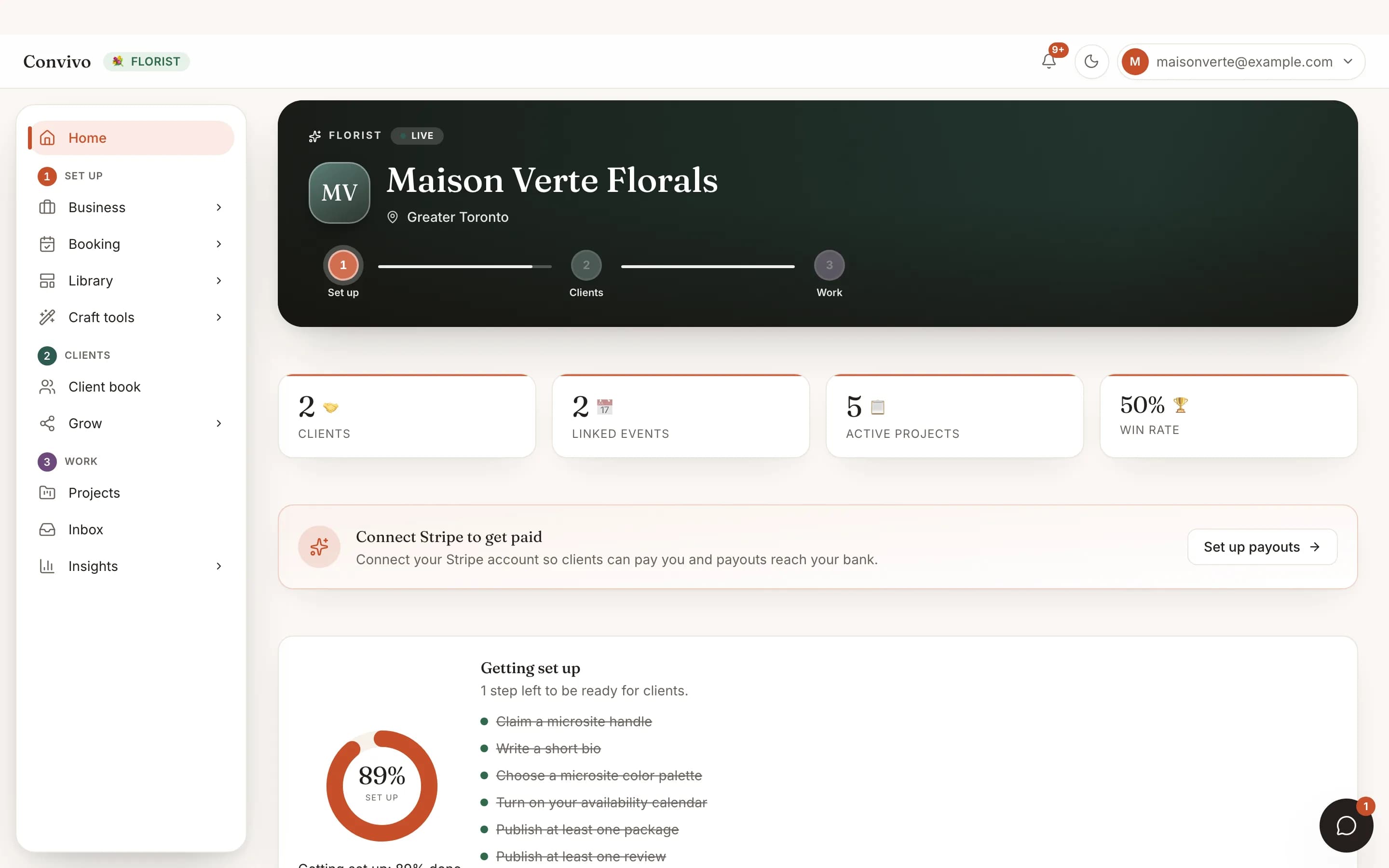
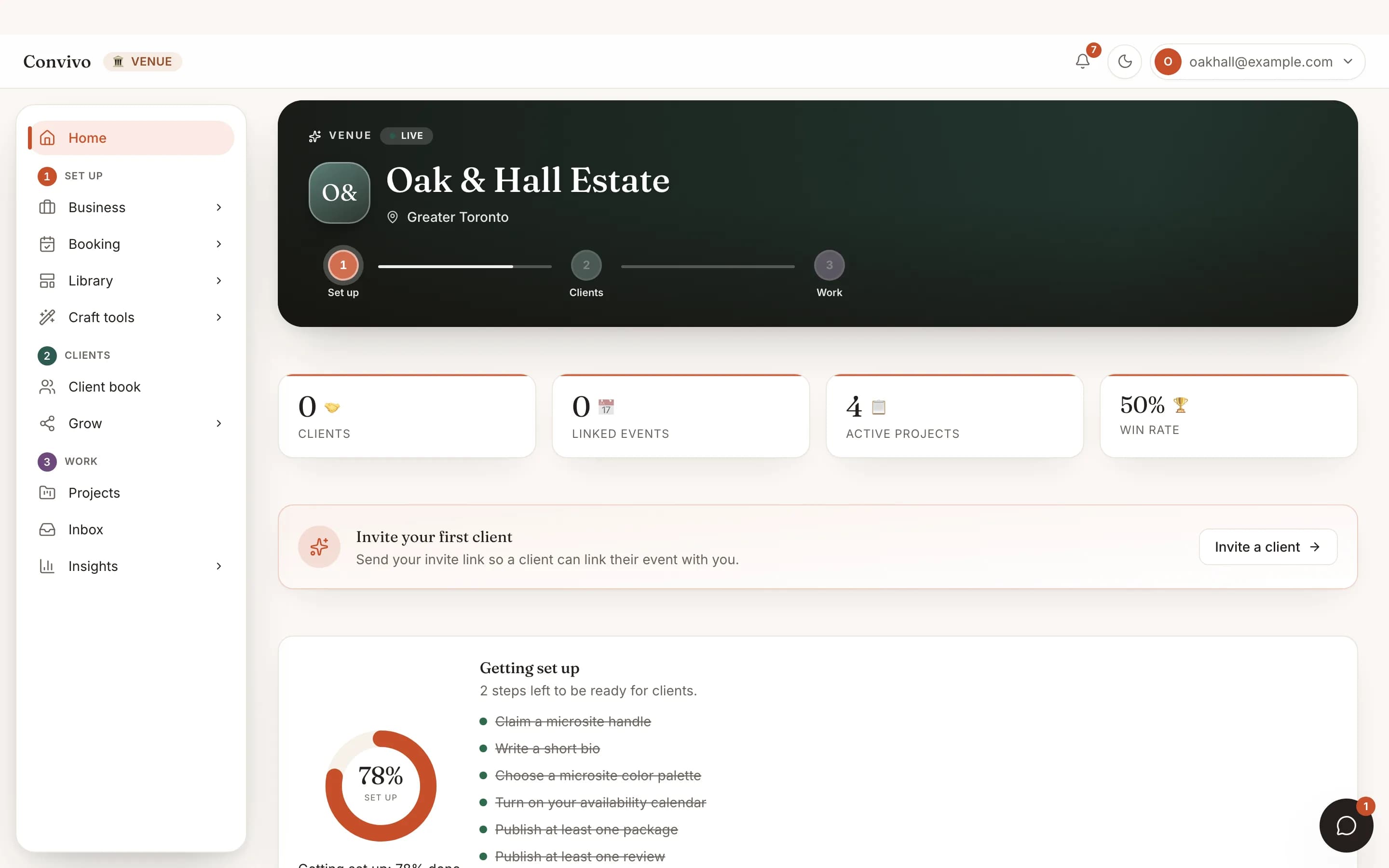
A client links you from their event, or you send the invite yourself. Accept once and the event appears in your portal, tools and all.
Open your portal
Every client and every linked event side by side, with the working surface your craft actually uses. No new spreadsheet. No new inbox.
Work the day, together
Post updates, answer requests, keep the details current. Your client sees each one the moment you post it, so nobody has to ask you how it is going.
Privacy, by design
You see the event. Never the guest list.
Your portal shows the schedule, the event’s details and the tools you share with your client. It does not show you the guest list, anyone’s contact details, or any personal data beyond your client’s own name. If a client’s account is suspended, their events quietly leave your portal until it is sorted out.
Vendor pricing
Priced by how many clients you carry.
Every craft pays the same at each tier. These are the prices, not a starting point, and the only thing that moves them is how many clients you carry.
Free
Up to 3 clients
Run your first clients end to end without paying us anything.
- Your own portal, client book and public profile
- Proposals, contracts and questionnaires
- Invoice clients and take card payments from your very first client
- We take 2.5% when a client pays you
Starter
Up to 15 clients
For a working roster you can still count.
- Invoice clients and take card payments
- We take 1.5% when a client pays you
- The tools your craft actually uses, not a generic list
Pro
Unlimited clients
For a full book, with nothing counting your clients.
- Everything in Starter
- Our cut on payments drops to 0.5%
- Your name on it, not ours, everywhere a client looks
Bring your whole client book.
Open a free account and work beside the clients who invite you. Your first 3 cost nothing, and nobody has to hand us a card to find out whether this is any good.
Planning your own event? Convivo for hosts