
On-site check-in
A tablet at the door. A roster that's always current.
Mint a login-free kiosk link, hand it to a tablet at the door, and check guests in against your paid roster. Revoke access the moment the event ends.
- Login-free kiosk link for any tablet
- Checks in against your real, paid roster
- Revoke a kiosk link at any time
How it works
Three steps, start to finish.
Mint a kiosk link
One link, no account needed on the tablet that runs it.
Hand it to the door
Open the link on any tablet and it's ready to search your roster.
Check guests in as they arrive
Search by name and check them in with a tap. Revoke the link the moment you're done with it.
What it connects to
Check-in does not work alone.
Ticket types
146 orders- $45
General admission
128 sold
- $150
VIP table
12 sold
- $300
Exhibitor booth
6 sold
Ticketing
The roster a kiosk checks against is exactly who bought a paid ticket.
See Ticketing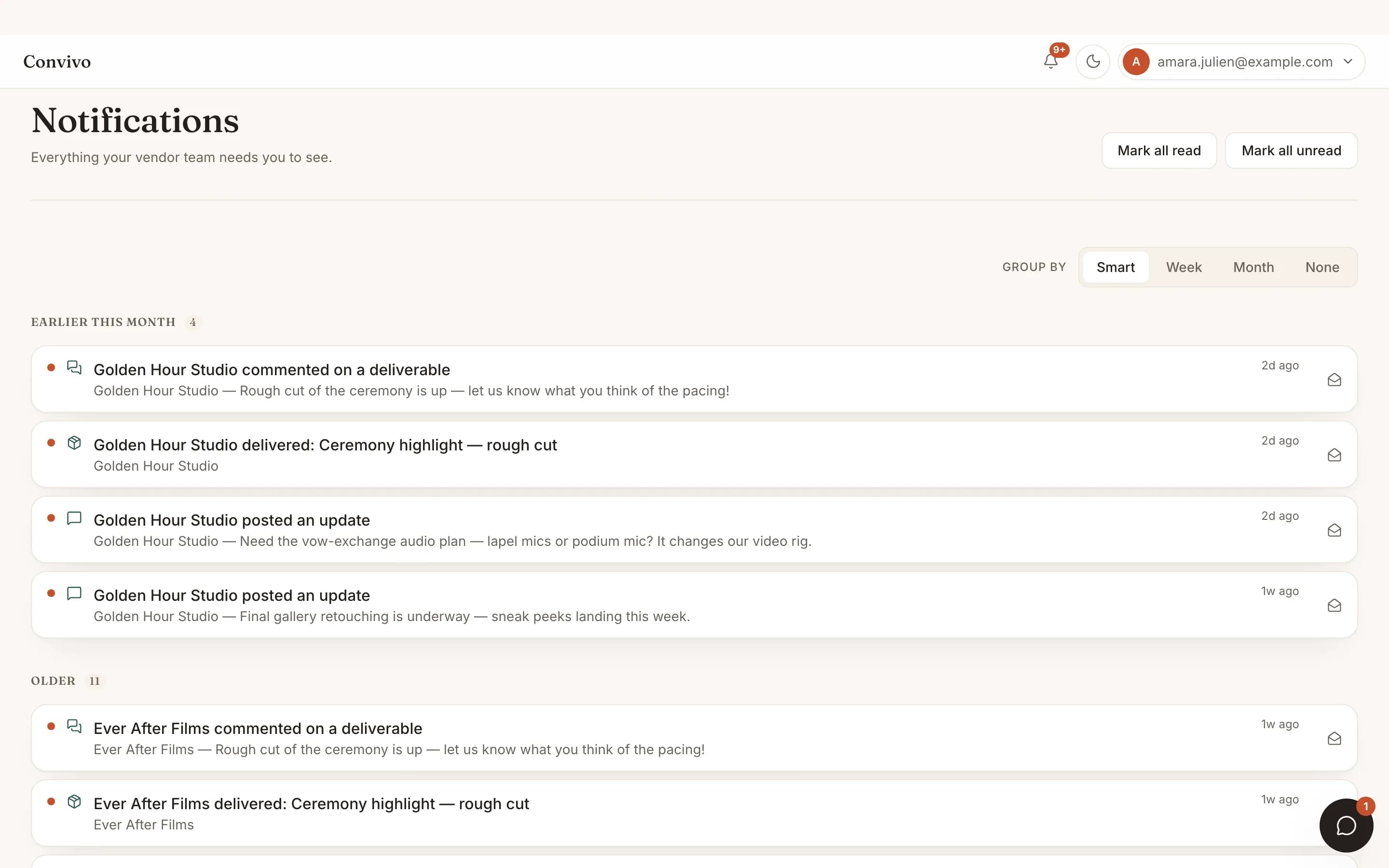
Notifications
Keep an eye on check-in progress without standing at the door yourself.
See Notifications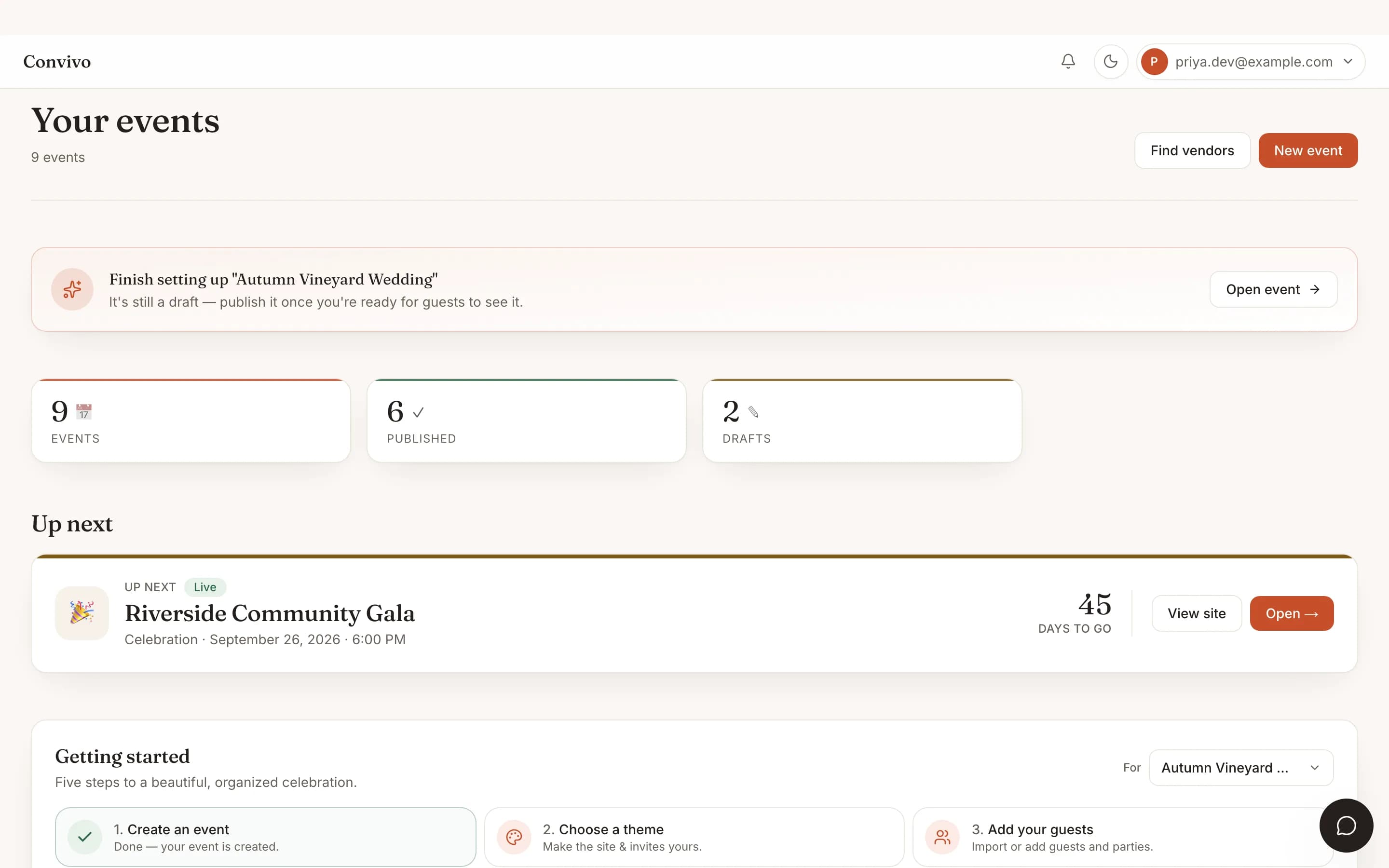
Multi-event dashboard
Mint a separate kiosk for each event in your book; they never share a roster.
See Multi-event dashboardHonest answers
Frequently asked
Does the tablet at the door need to log in?
No. The kiosk link itself is the credential; nothing to sign into on-site.
What if the kiosk link leaks or the tablet walks off?
Revoke it immediately from your dashboard and it stops working right away.
Can I run more than one door at once?
Yes. Mint a separate kiosk link for each entrance.
Does it work for sponsor or exhibitor booths too?
Yes, exhibitor booths get their own login-free link for scanning attendee badges.
Ready to put this to work?
Start free, and this exact page fills in with your own event.