
Invoicing & payments
Get paid without leaving the project.
Line items, a payment schedule, and a real card payment, all on the invoice itself. Track paid, processing, refunded and void in one place, and download a branded PDF any time.
- Line items and a payment schedule
- Real card payments, with tips supported
- Paid, refunded and void tracked automatically
How it works
Three steps, start to finish.
Build the invoice
Line items and a total, plus a payment schedule if the client is paying in installments.
Send it
Your client pays by card through their private project link.
Watch the status update
Paid, processing, refunded or void: the invoice's status updates itself as payment happens.
What it connects to
Invoicing & payments does not work alone.
Proposals & contracts
- Sent
Wedding photography, full day
Proposal
- Signed
Service agreement
Contract
- Draft
Add-on: second shooter
Proposal
Proposals & contracts
An invoice naturally follows a signed contract on the same project.
See Proposals & contracts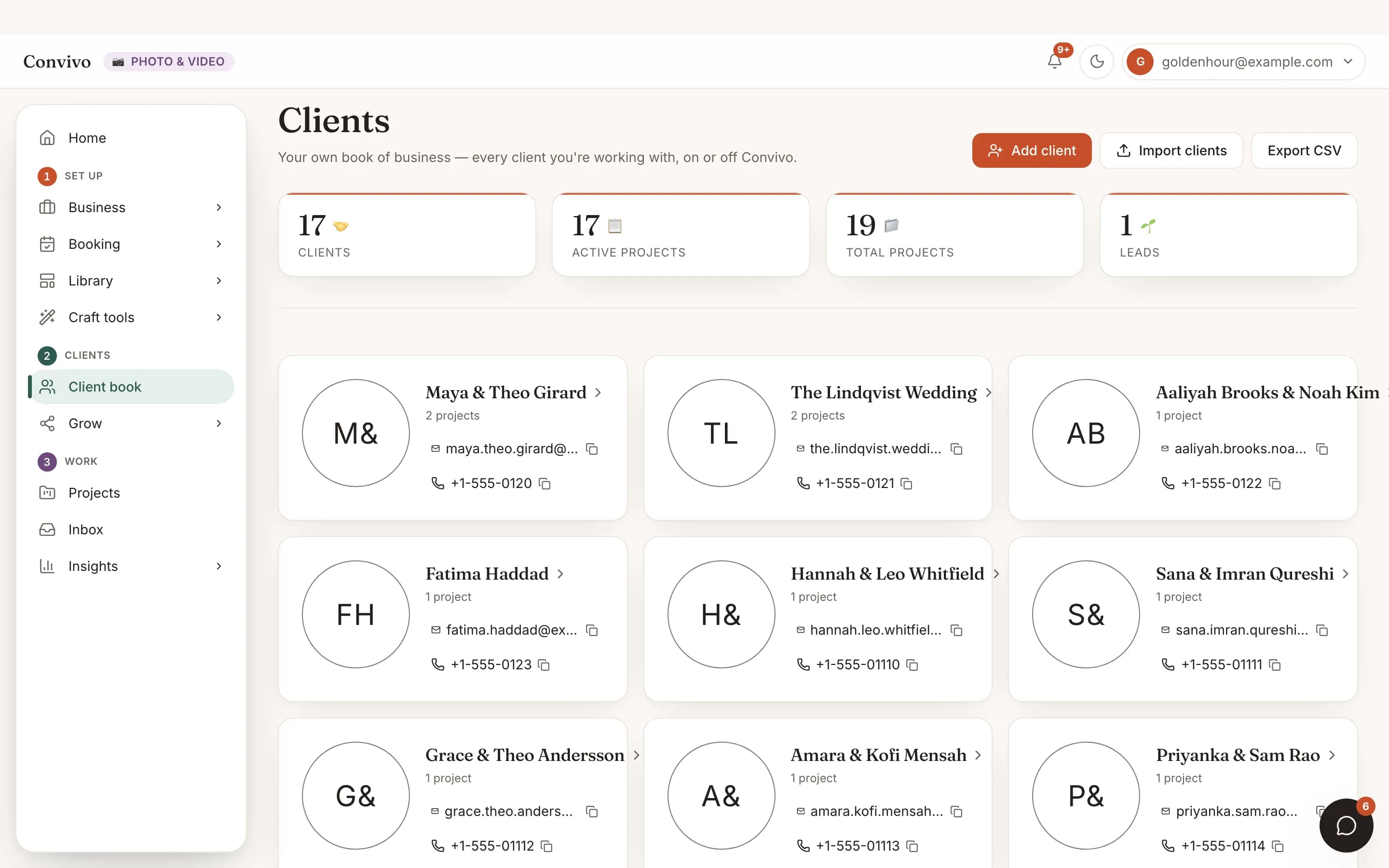
Client CRM
Payment history rolls up to the client the project belongs to.
See Client CRM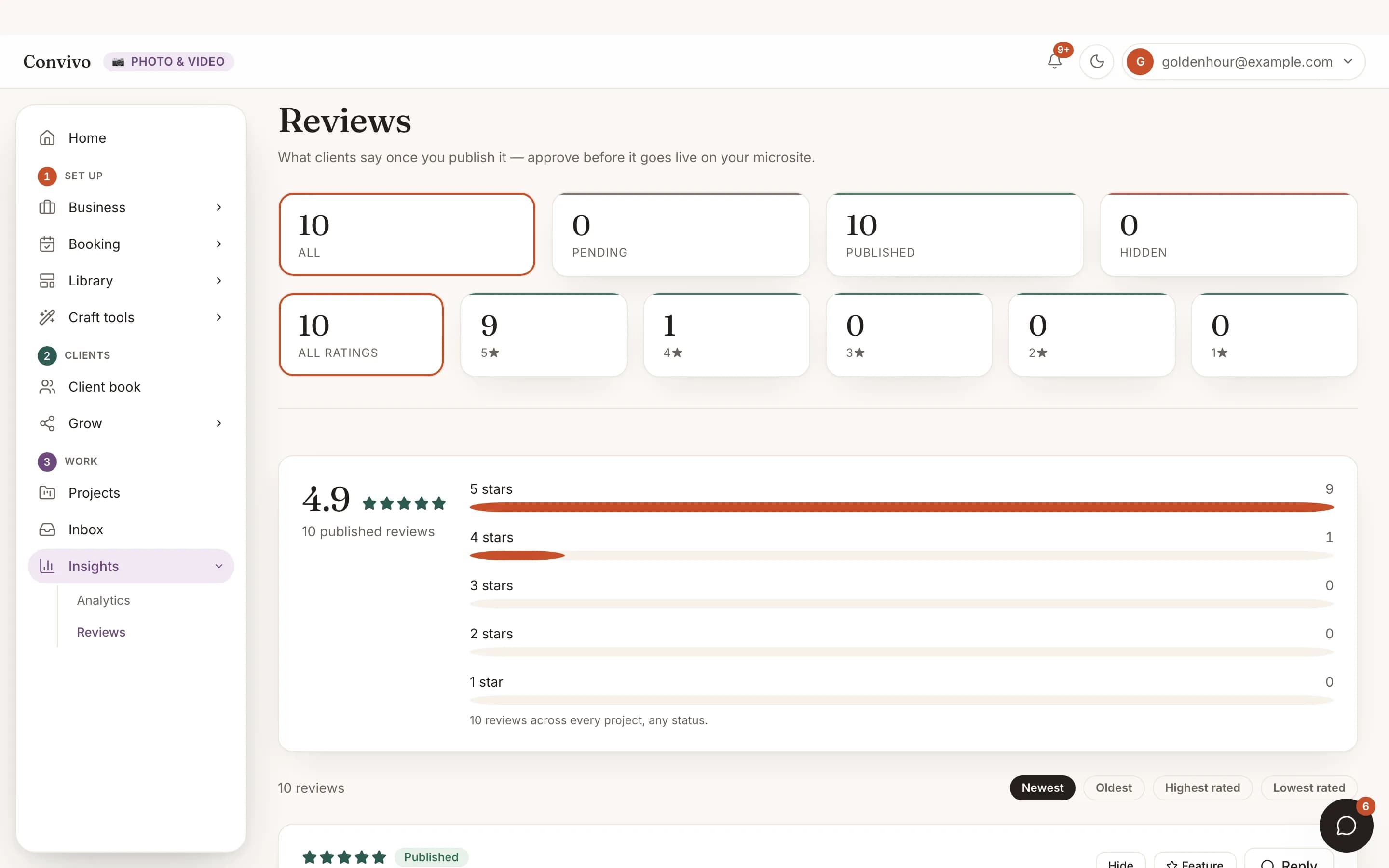
Reviews
A paid, delivered project is the moment to ask for a review.
See ReviewsHonest answers
Frequently asked
Can a client pay in installments?
Yes. Set up a payment schedule and each installment is tracked as it’s paid.
Can clients tip?
Yes, a tip can be added on top of the invoice total.
What if I need to refund an invoice?
You can refund a paid invoice in full, and the status updates to reflect it.
Can I send my client a PDF copy?
Yes, a branded PDF is available to download at any time.
Ready to put this to work?
Start free, and this exact page fills in with your own event.