
Moments & schedule
One celebration. Many moments.
A rehearsal dinner, the ceremony, late-night dancing, a farewell brunch: give each its own time, place and guest list. Convivo weaves them into a schedule on your site and a personal itinerary for every guest. Open a moment to everyone, or only certain guests.
- Build the day moment by moment
- Invite exactly who you want, per moment
- Everyone sees their own personal itinerary
How it works
Three steps, start to finish.
Add each moment
A rehearsal dinner, the ceremony, late-night dancing, a farewell brunch: give each its own time and place.
Choose who's invited to what
Open a moment to everyone, or only the guests you pick.
Everyone sees their own day
Guests see a personal itinerary built from exactly what they're invited to, nothing more.
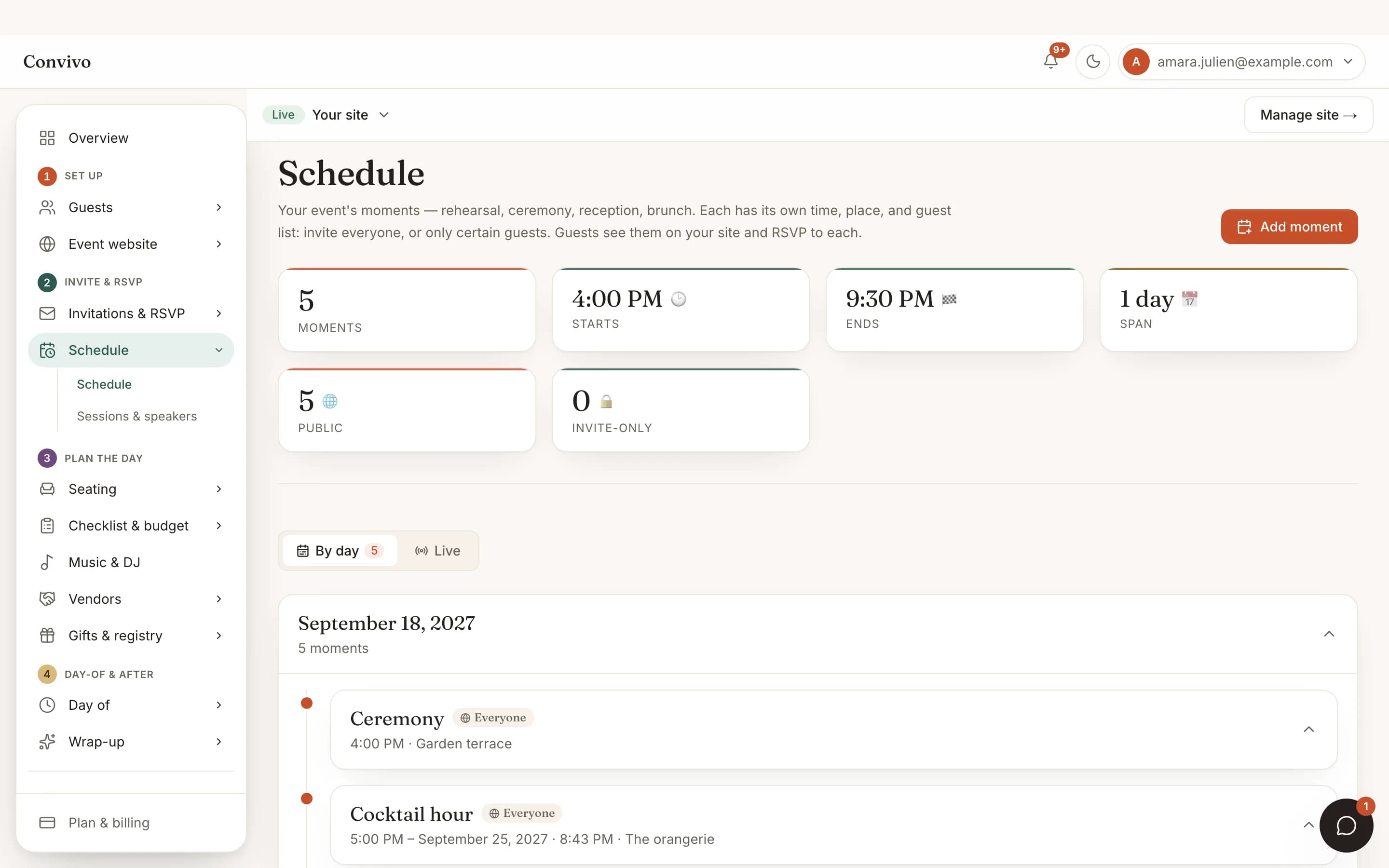
Straight from the product
The screen itself, unretouched.
The illustration at the top of this page was built from this exact capture, down to the labels and the counts.
What it connects to
Schedule & moments does not work alone.
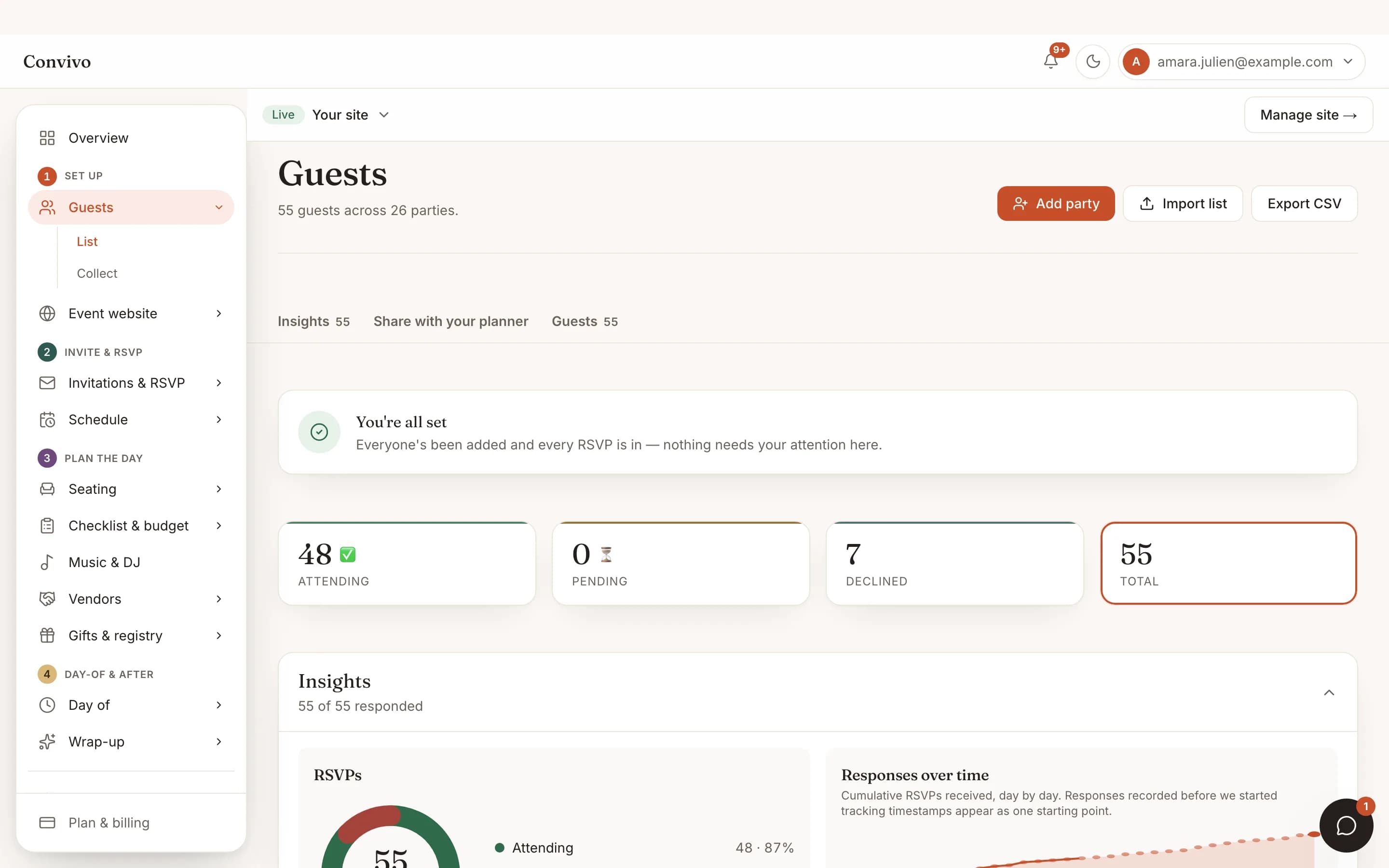
No-login RSVP
A guest can say yes to the ceremony and no to the after-party, and both answers are tracked separately.
See No-login RSVP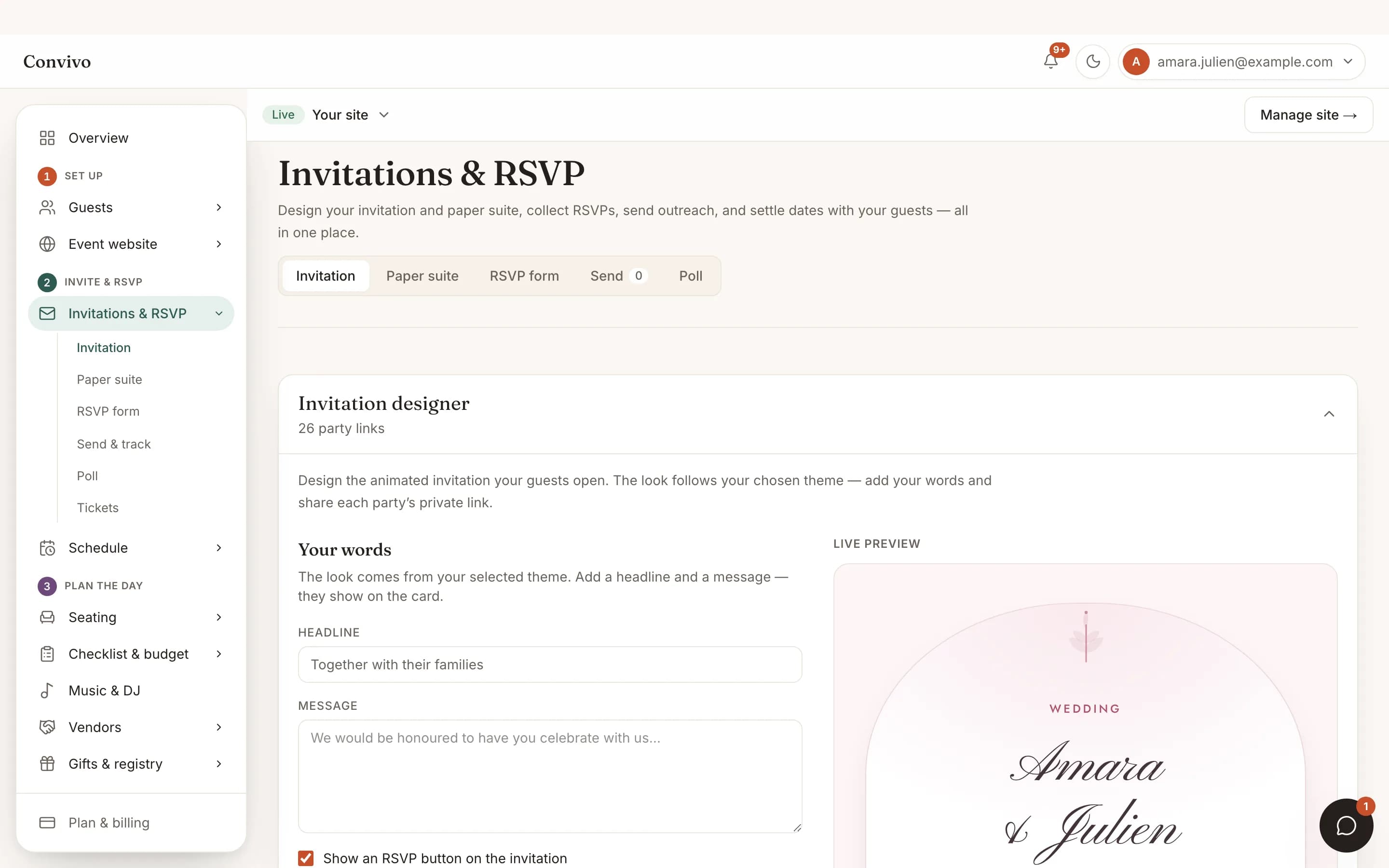
Designed invitations
The schedule your guests see is pulled straight from the moments you built here.
See Designed invitations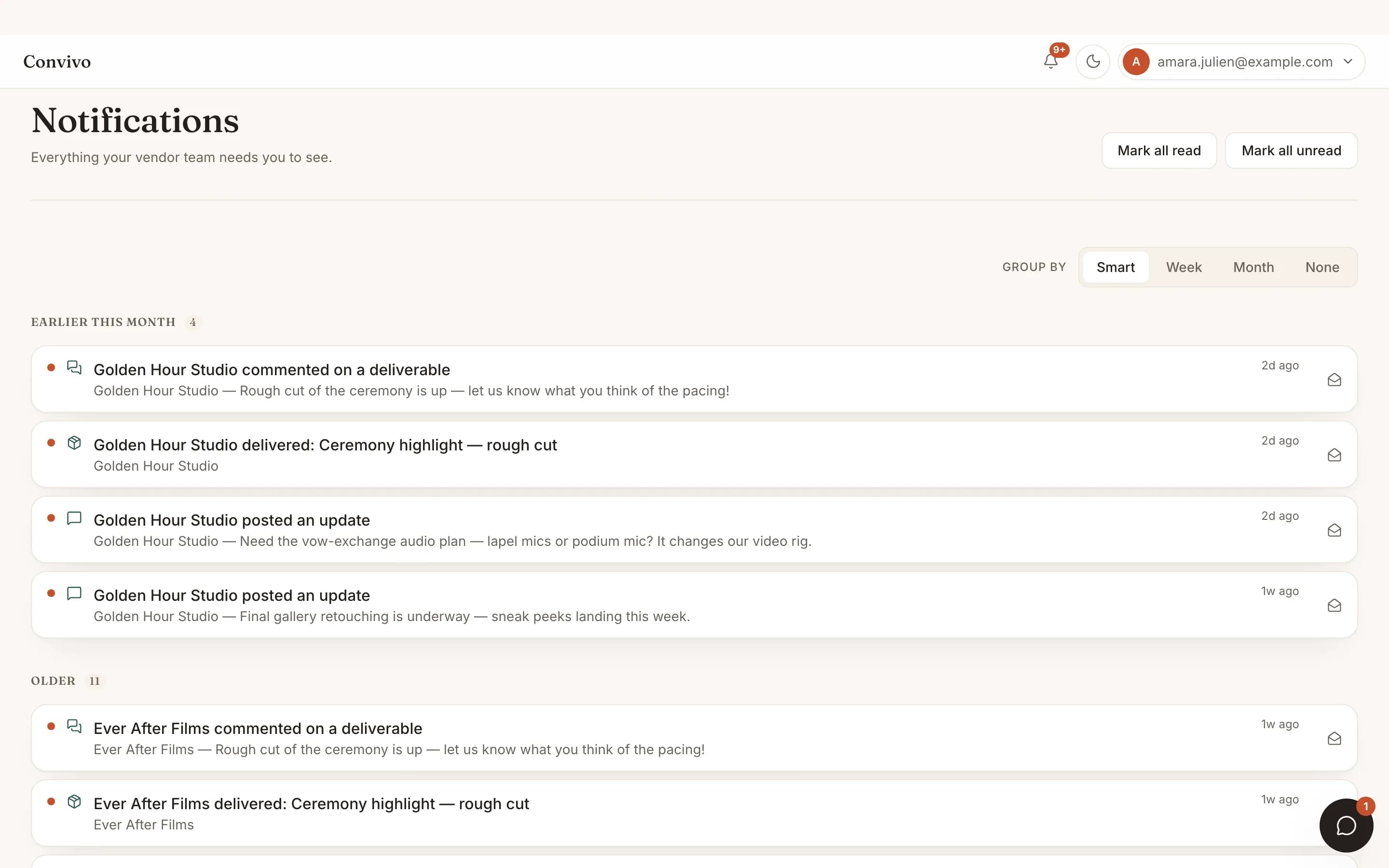
Notifications
Update a moment's time or place and anyone invited to it is notified.
See NotificationsHonest answers
Frequently asked
Can I have more than one event in one celebration?
Yes. Add as many moments as your day has, each with its own time, place and guest list.
Can only some guests see a moment?
Yes. Invite a moment to everyone, or to a specific list, such as immediate family for a rehearsal dinner.
Do guests see every moment, even ones they're not invited to?
No. Their itinerary only ever shows what they're personally invited to.
Can I change a time after invitations are sent?
Yes, and guests already invited to that moment are notified of the change.
Ready to put this to work?
Start free, and this exact page fills in with your own event.