
Party mode
Project the party onto the wall.
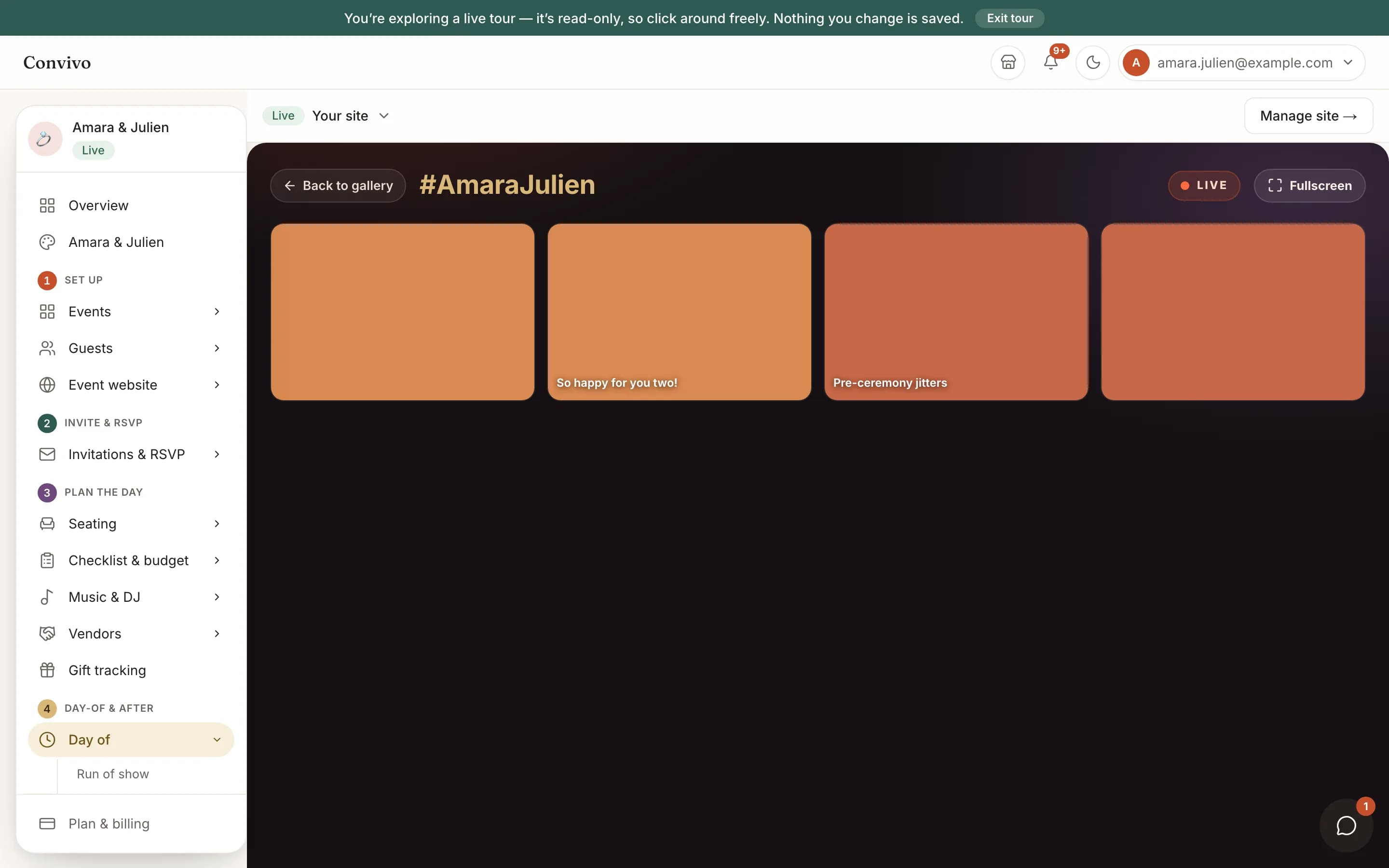
Turn any screen into a full-bleed wall of the moment: guest photos with their captions, guestbook notes, and what is playing, all styled to your own event hashtag. Built for the reception, not a dashboard.
- A full-screen wall of guest photos and messages
- Your event hashtag and a now-playing strip
- Reload the screen any time to bring in the newest moments
How it works
Three steps, start to finish.
Open Party Mode
Pull it up on any laptop, tablet or TV connected to a screen at your venue.
Guests fill it in
Photos guests upload and notes they leave both land on the same wall, each with the guest's own caption alongside it.
Reload to catch the newest moments
Reload the screen whenever you want the latest photos and messages to appear; it does not refresh on its own.
Straight from the product
The screen itself, unretouched.
The illustration at the top of this page was built from this exact capture, down to the labels and the counts.
What it connects to
Party mode does not work alone.
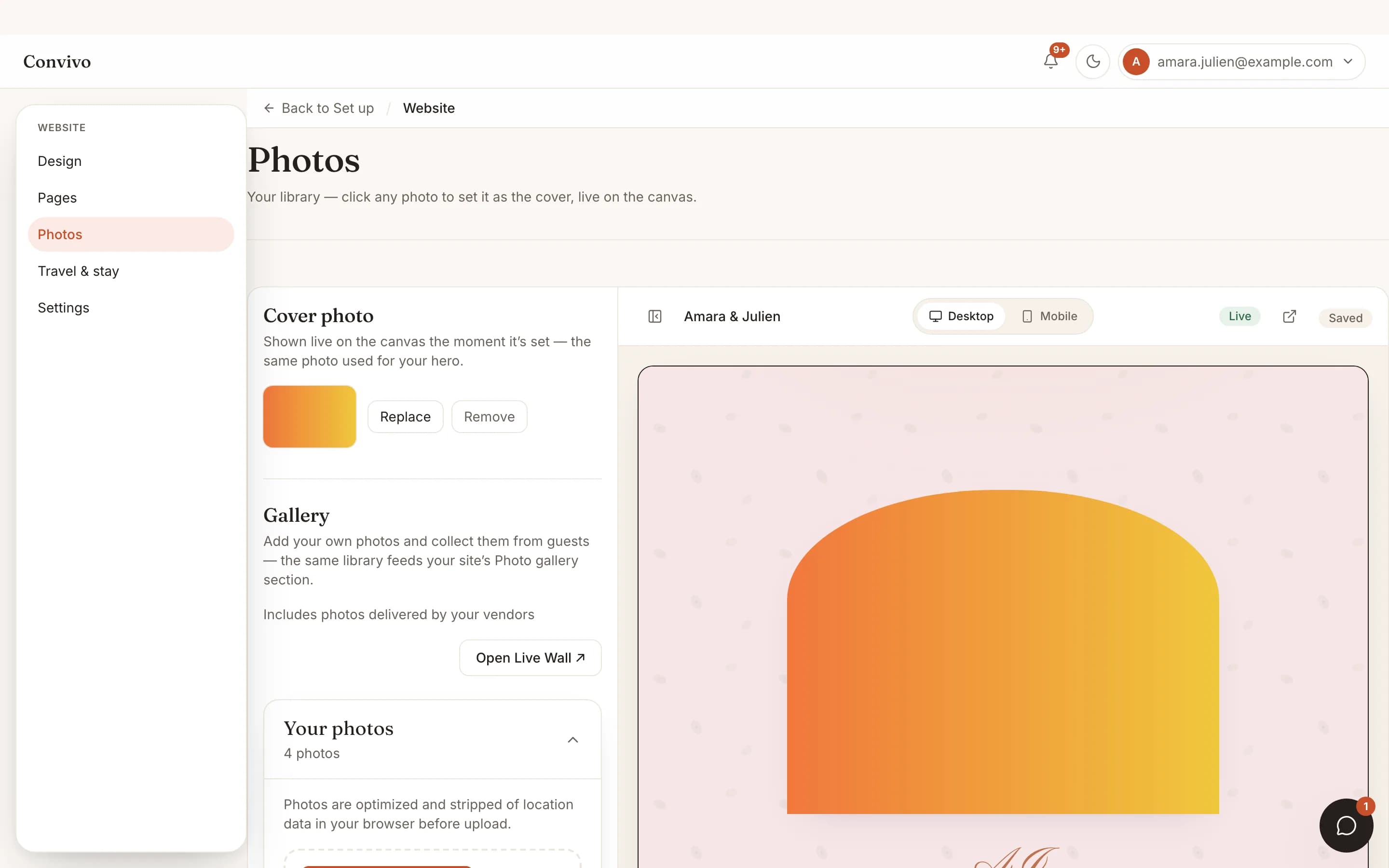
Photos & live wall
Every photo on the wall comes from the same gallery your guests already upload to.
See Photos & live wall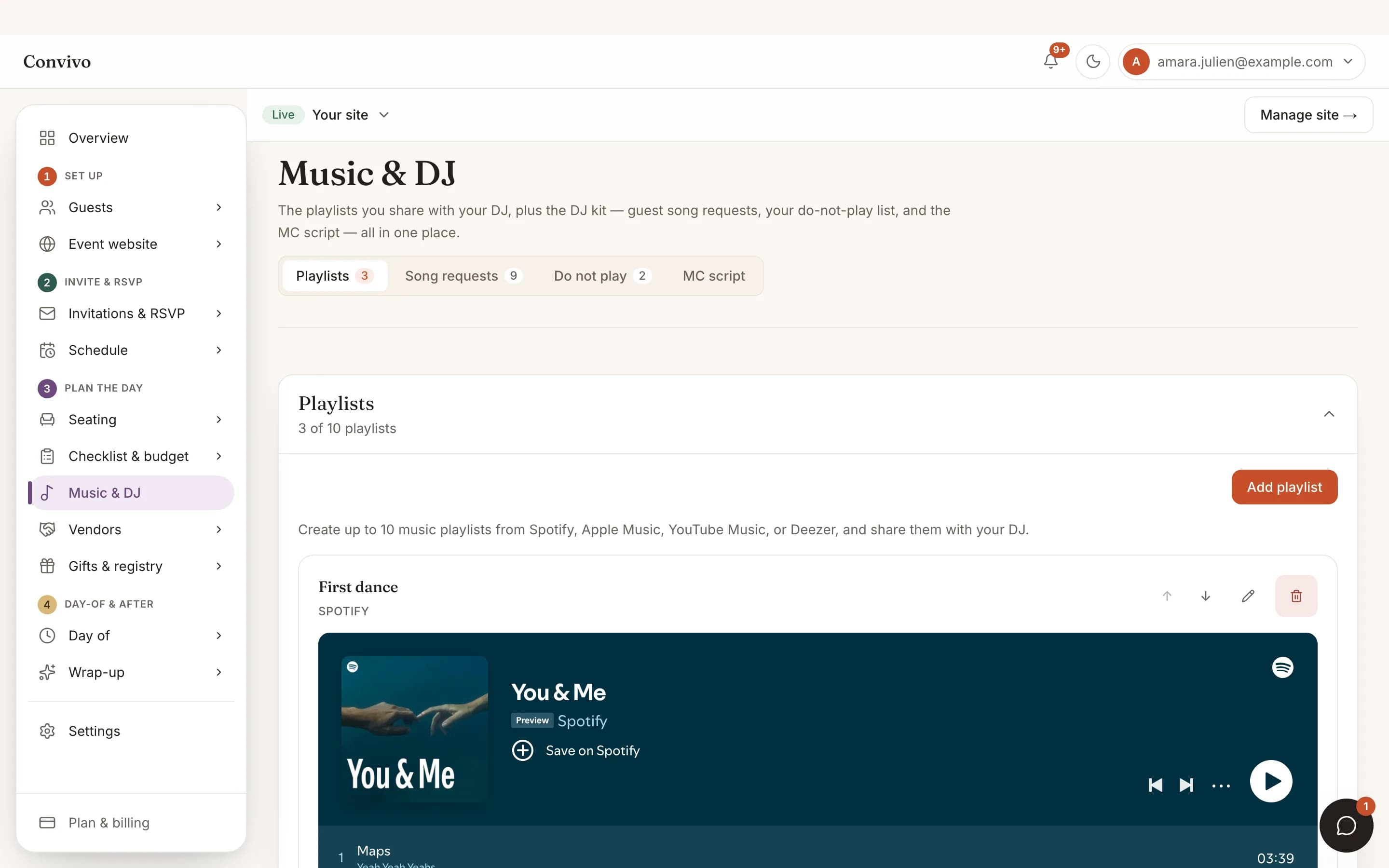
Music & playlist
The now-playing strip pulls from the same song requests and playlists you manage there.
See Music & playlist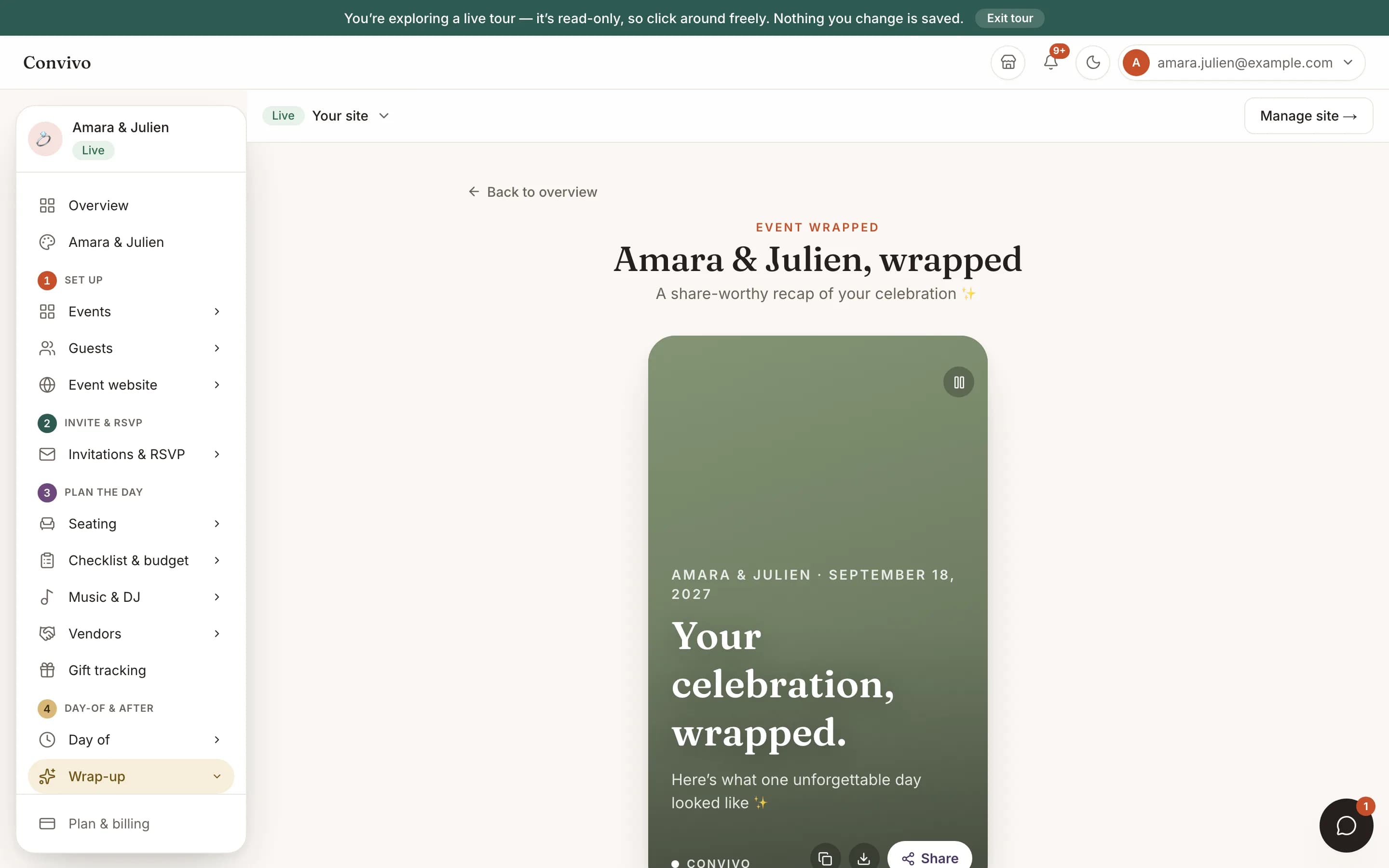
Event Wrapped
The moments that show up here are exactly what your Wrapped recap draws from afterward.
See Event WrappedHonest answers
Frequently asked
Does the wall update on its own during the party?
No. Reload the screen whenever you want to pull in the newest photos and messages; it does not refresh by itself.
Can guests see this screen too?
Yes, it is built to be projected or displayed on a TV so everyone in the room sees it.
Where do the photos come from?
The same published photos guests already added to your gallery, newest first.
Is there a way to make it full screen?
Yes, a Fullscreen button is built right into the wall.
Ready to put this to work?
Start free, and this exact page fills in with your own event.