
Sessions & speakers
Build a real programme, not a paragraph in your schedule.
Speakers, tracks and a timed session schedule for a conference or corporate event: talks, panels, workshops and networking blocks, each with its own room, capacity and materials link. Publish a session and it shows on your public agenda.
- Speakers, tracks and timed sessions
- Talk, panel, workshop, break and networking formats
- Publish a session to put it on the public agenda
How it works
Three steps, start to finish.
Add your speakers
A name and up to a few links is all a speaker needs to start.
Build each session
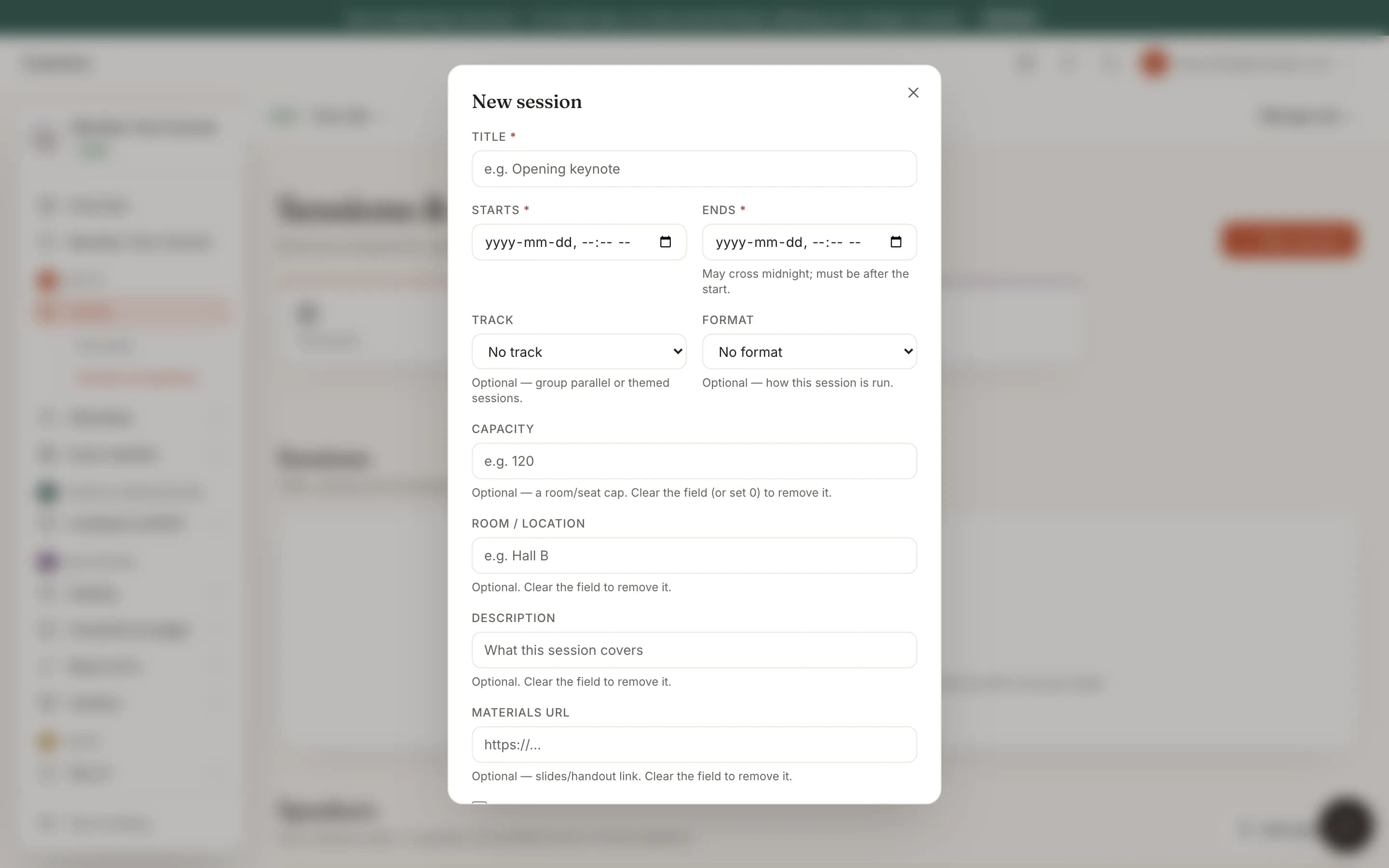
A title, a start and an end time; track, format, capacity, room and a materials link are all optional.
Publish when ready
A draft session stays off the public agenda until you publish it.
Straight from the product
The screen itself, unretouched.
The illustration at the top of this page was built from this exact capture, down to the labels and the counts.
What it connects to
Sessions & speakers does not work alone.
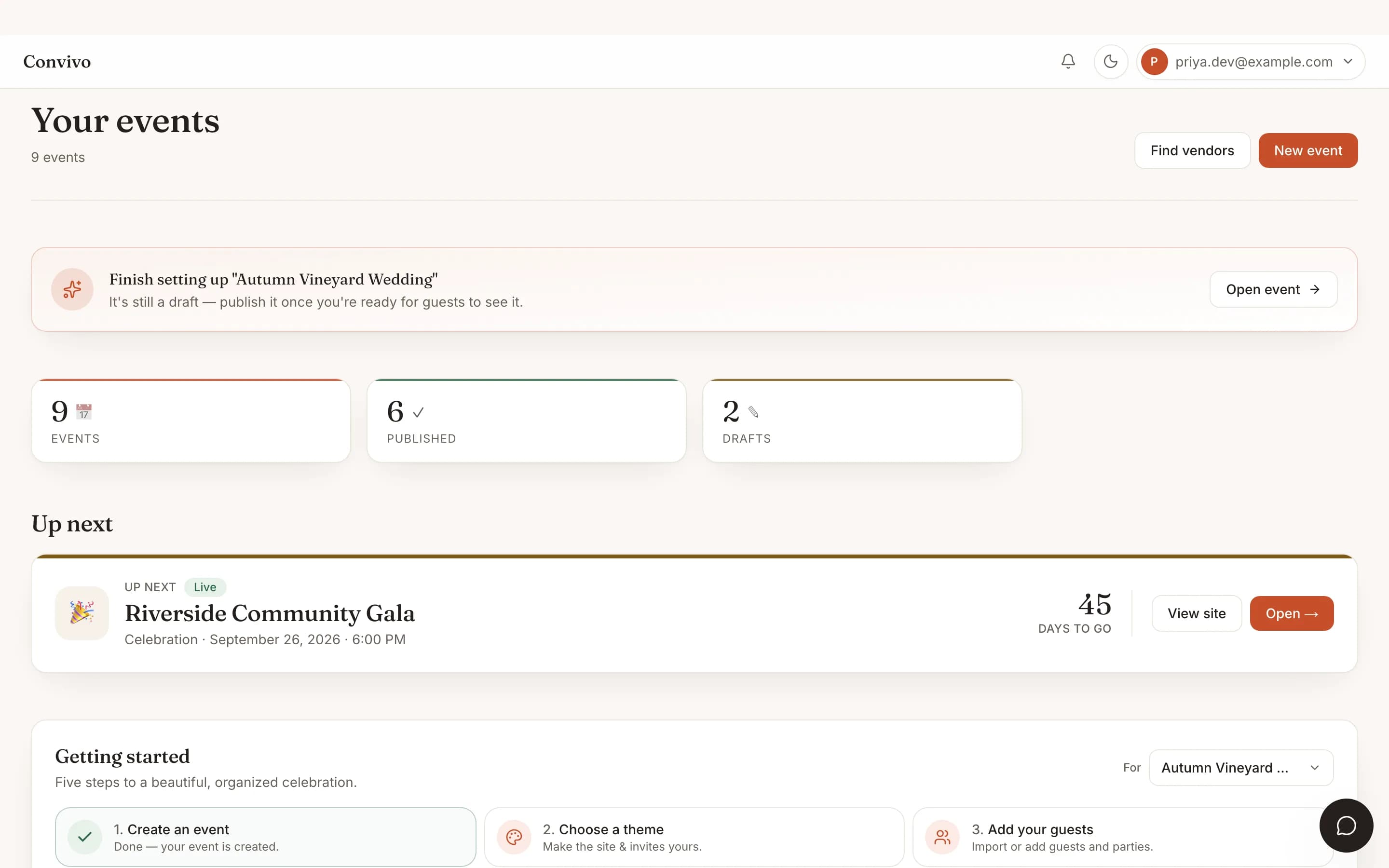
Multi-event dashboard
Run a programme for one event in your book without it touching any of the others.
See Multi-event dashboardTicket types
146 orders- $45
General admission
128 sold
- $150
VIP table
12 sold
- $300
Exhibitor booth
6 sold
Ticketing
Sell tickets to the same event your sessions and speakers are built for.
See TicketingDoor check-in
Kiosk live- Checked in
Grace Liu
VIP table
- Checked in
The Reyes family
General admission
- Not yet
Owen Park
General admission
142 of 210 checked in
Check-in
Attendees checked in at the door are the same roster your sessions are built for.
See Check-inHonest answers
Frequently asked
Is this available on a wedding?
No, it is built for conference and corporate event types, where it appears automatically.
Can a speaker present more than one session?
Yes, a speaker can be linked to as many sessions as you like.
What happens to a draft session?
It stays off the public agenda until you publish it, so you can build ahead without showing an unfinished programme.
Can I group sessions into tracks?
Yes, tracks are optional and let you group parallel or themed sessions.
Ready to put this to work?
Start free, and this exact page fills in with your own event.