
Automations
Set it up once. It runs itself from there.
Build a trigger and a sequence of steps once: send an email, assign a questionnaire, create a task, wait a few days, check a condition. Start from one of three built-in recipes, or build your own from scratch.
- Trigger-and-step-sequence workflows
- Three built-in starter recipes
- Send emails, assign questionnaires, create tasks
How it works
Three steps, start to finish.
Pick a trigger
A new inquiry, a signed contract, or a set number of days before or after the event date.
Add your steps
Send an email, assign a questionnaire, create a task, wait a number of days, or branch on a condition.
Turn it on
Every matching project runs the workflow from then on, until you pause or edit it.
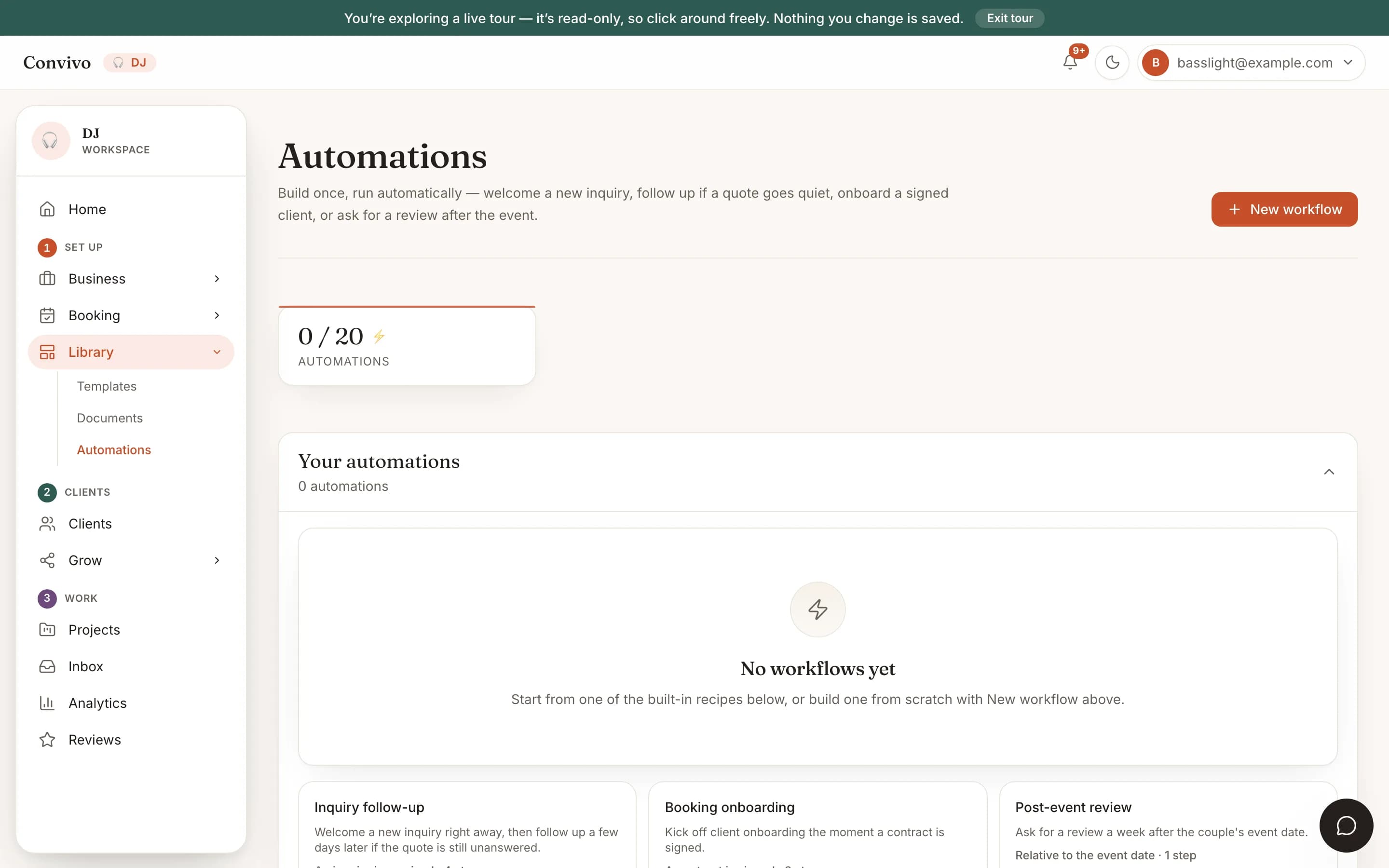
Straight from the product
The screen itself, unretouched.
The illustration at the top of this page was built from this exact capture, down to the labels and the counts.
What it connects to
Automations does not work alone.
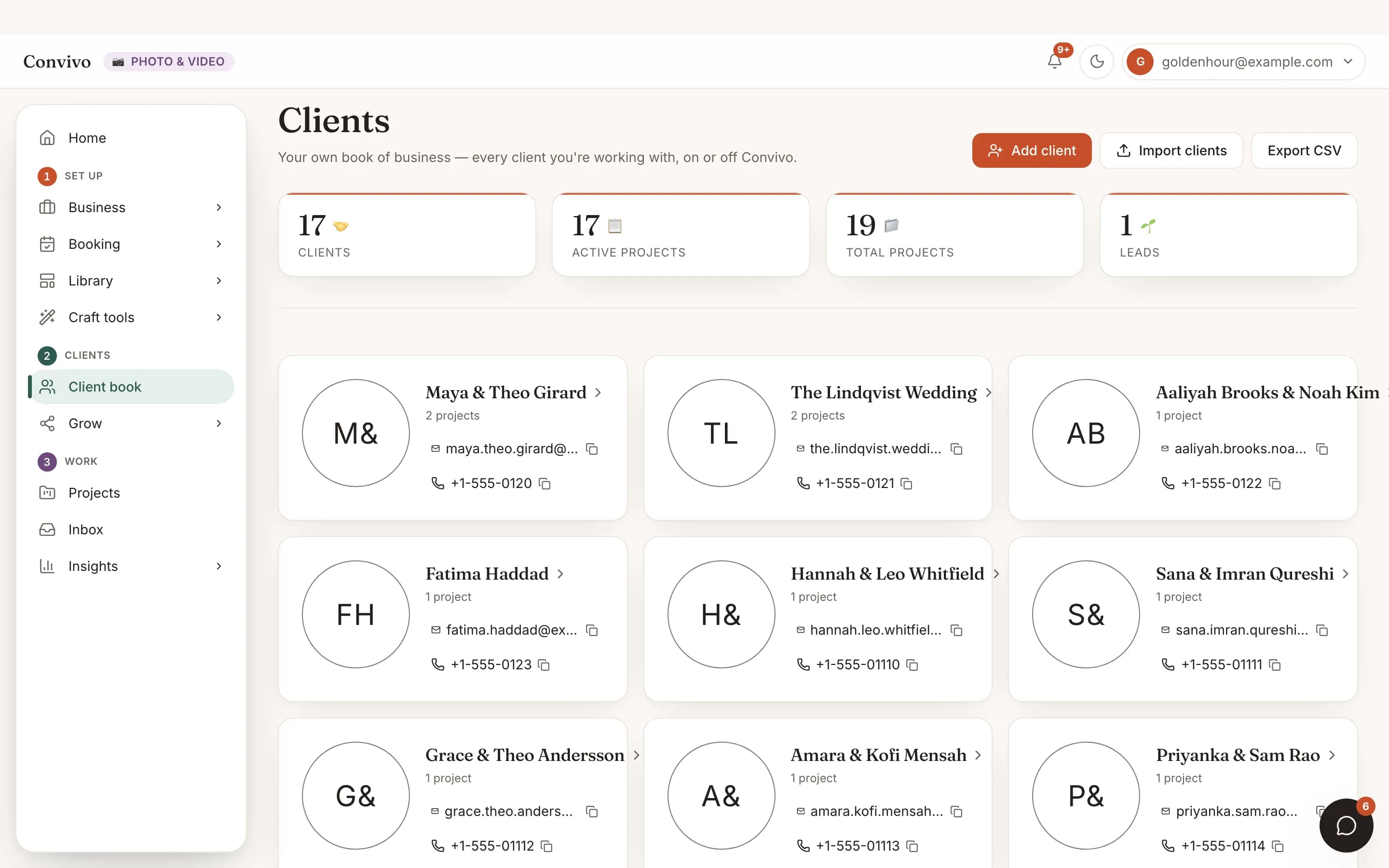
Client CRM
A workflow triggers off events on a specific client's project, then reports back to the same card.
See Client CRMProposals & contracts
- Sent
Wedding photography, full day
Proposal
- Signed
Service agreement
Contract
- Draft
Add-on: second shooter
Proposal
Proposals & contracts
A signed contract is one of the built-in triggers, ready to kick off onboarding automatically.
See Proposals & contracts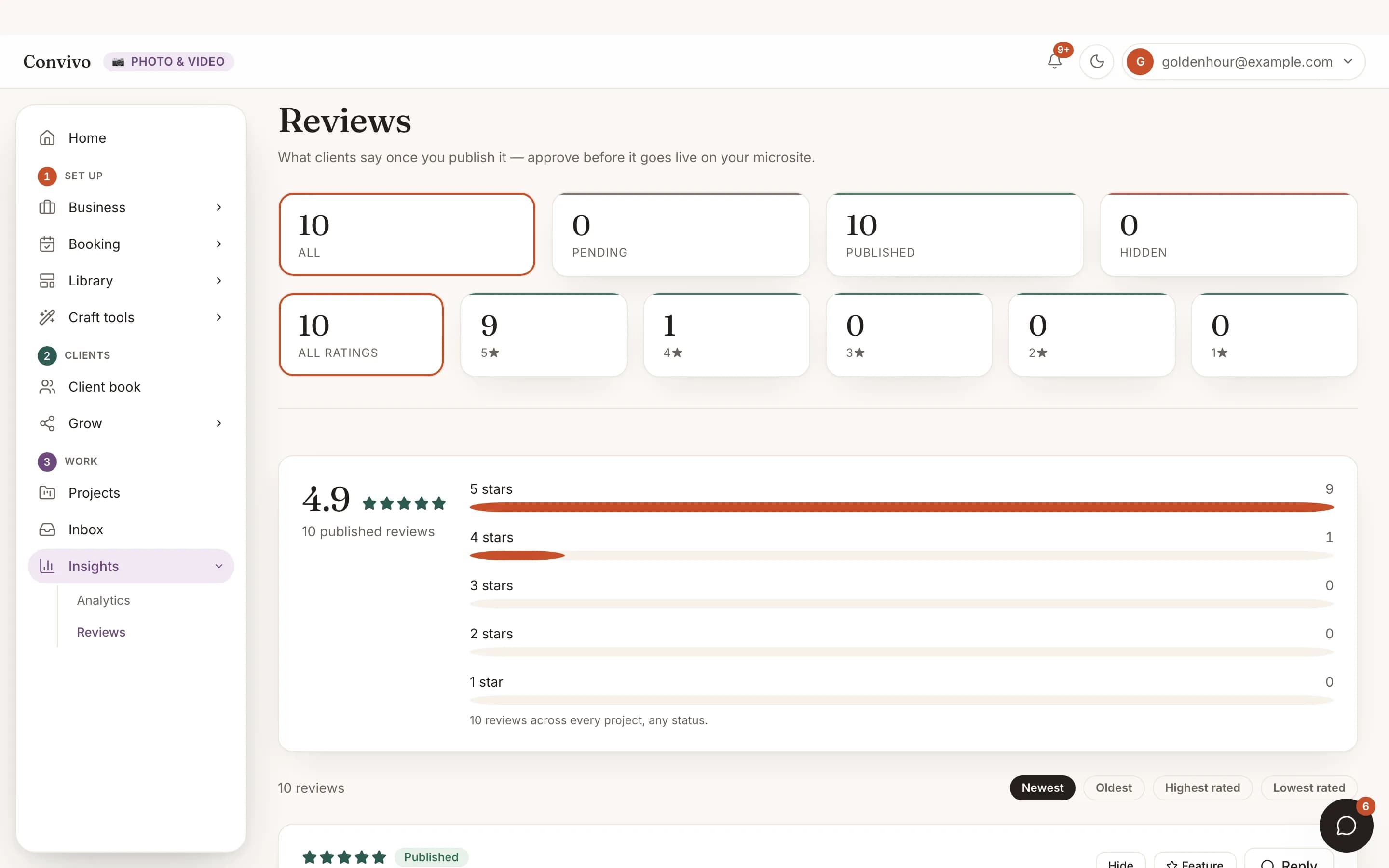
Reviews
The post-event review recipe is built to ask for a review right after the event date passes.
See ReviewsHonest answers
Frequently asked
How many automations can I have?
Up to 20 active workflows per account.
Do I have to build one from scratch?
No. Start from one of three built-in recipes and edit it from there, or build your own.
Can I turn one off without deleting it?
Yes, disable it and re-enable it any time; nothing is lost.
What can a step actually do?
Send a templated email, assign a questionnaire, create a task, wait a number of days, or check a condition before continuing.
Ready to put this to work?
Start free, and this exact page fills in with your own event.